![AccountAbility_logo_primary_fullcolor-1.png]](https://knowledgebase.counta.com/hs-fs/hubfs/AccountAbility_logo_primary_fullcolor-1.png?height=40&name=AccountAbility_logo_primary_fullcolor-1.png)
Step by Step Guide:
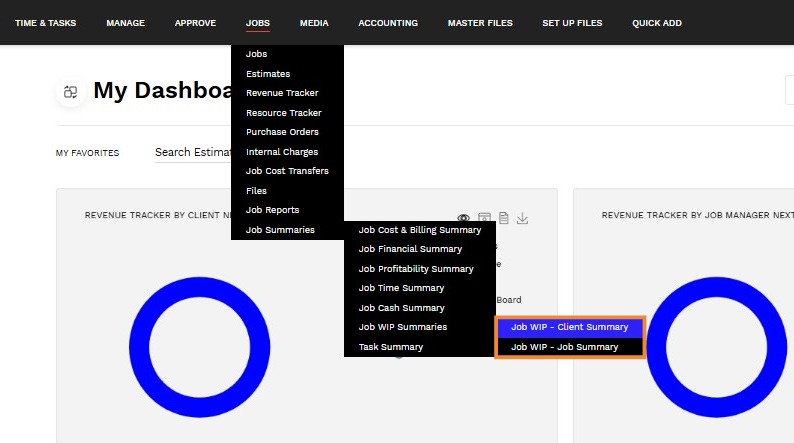
1. Navigate to JOBS > Job Summaries > Job WIP Summaries.
Select one of the 2 options
- Job WIP - Client Summary
- Job WIP - Job Summary
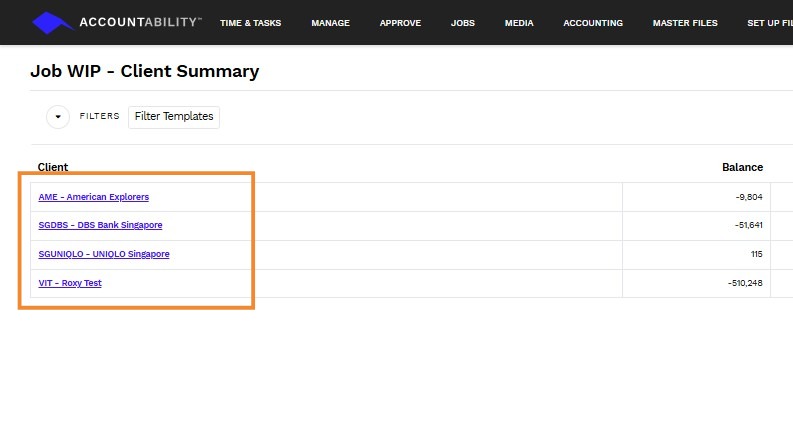
2. Click on the client to view additional details regarding the client WIP.
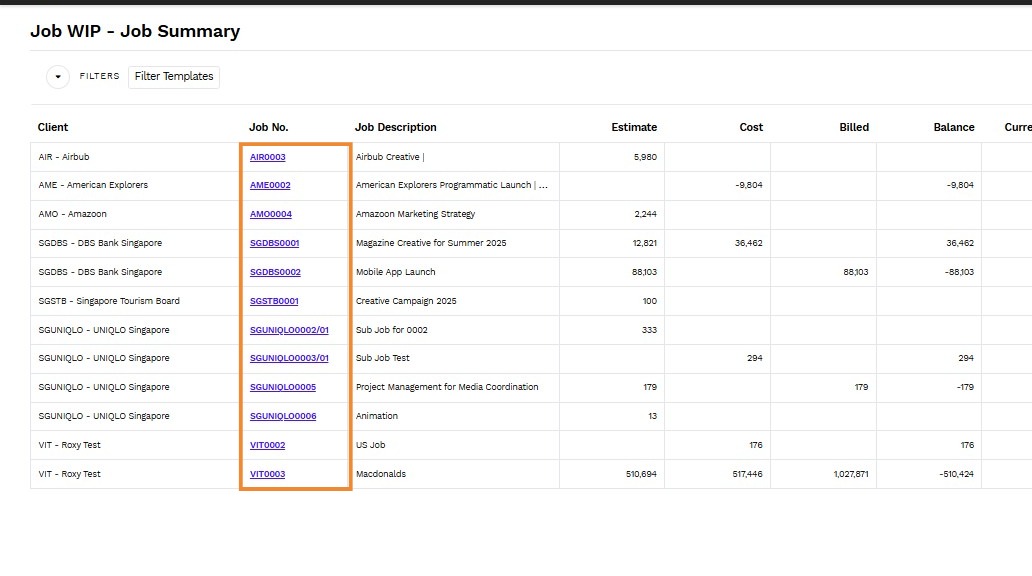
3. Click on the job number to view additional details regarding the job WIP.