![AccountAbility_logo_primary_fullcolor-1.png]](https://knowledgebase.counta.com/hs-fs/hubfs/AccountAbility_logo_primary_fullcolor-1.png?height=40&name=AccountAbility_logo_primary_fullcolor-1.png)
Step by Step Guide:
1. Go to ACCOUNTING > Revenue Tools > Accrued Revenue
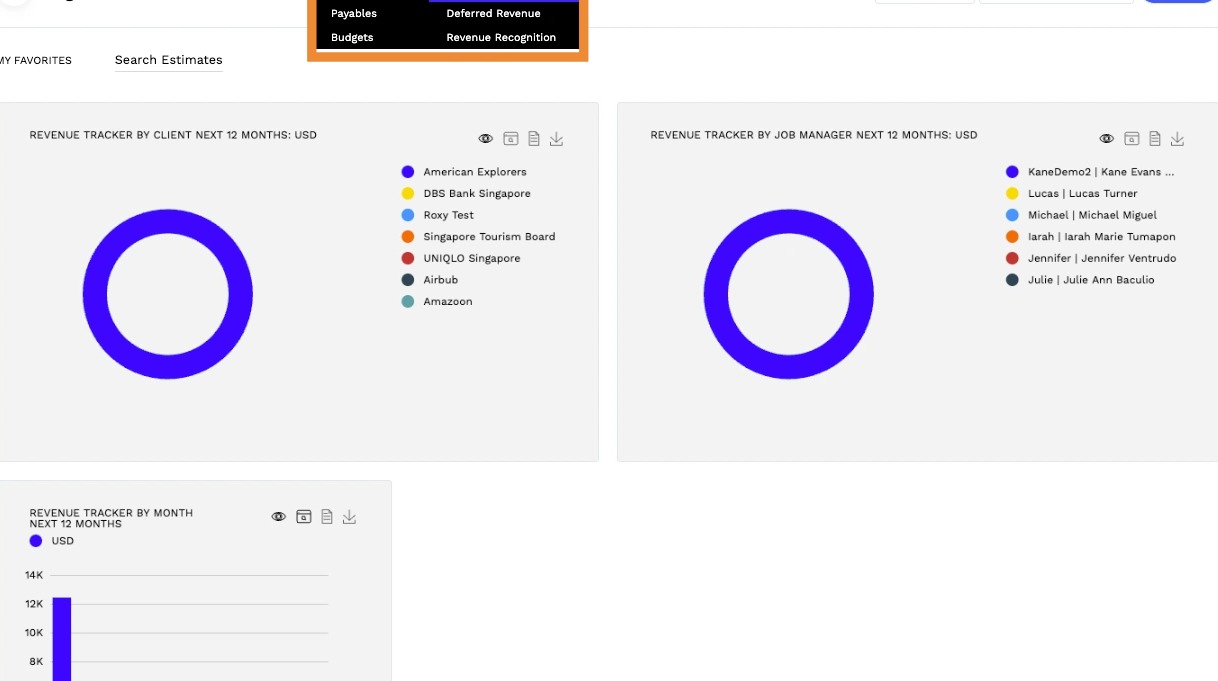
2. Click New Accrued Revenue to start.
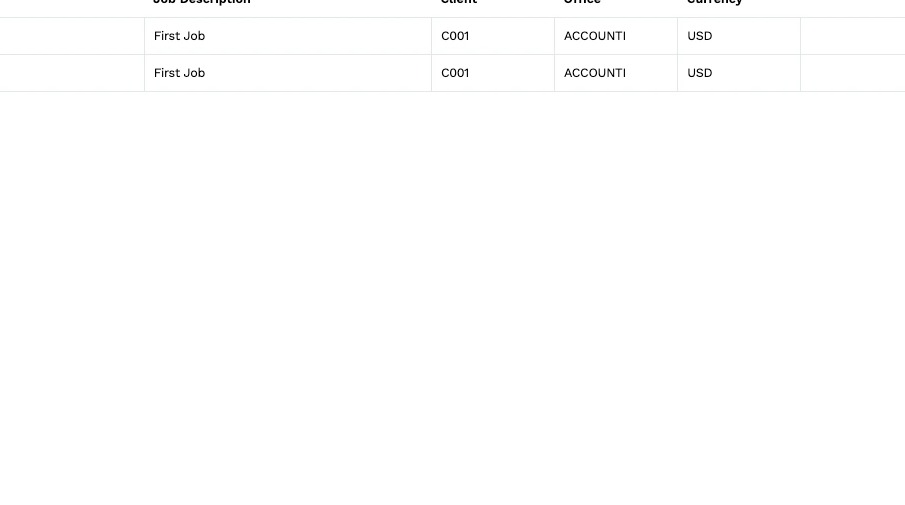
3. The Add Estimate radio button will pre-selected by default.
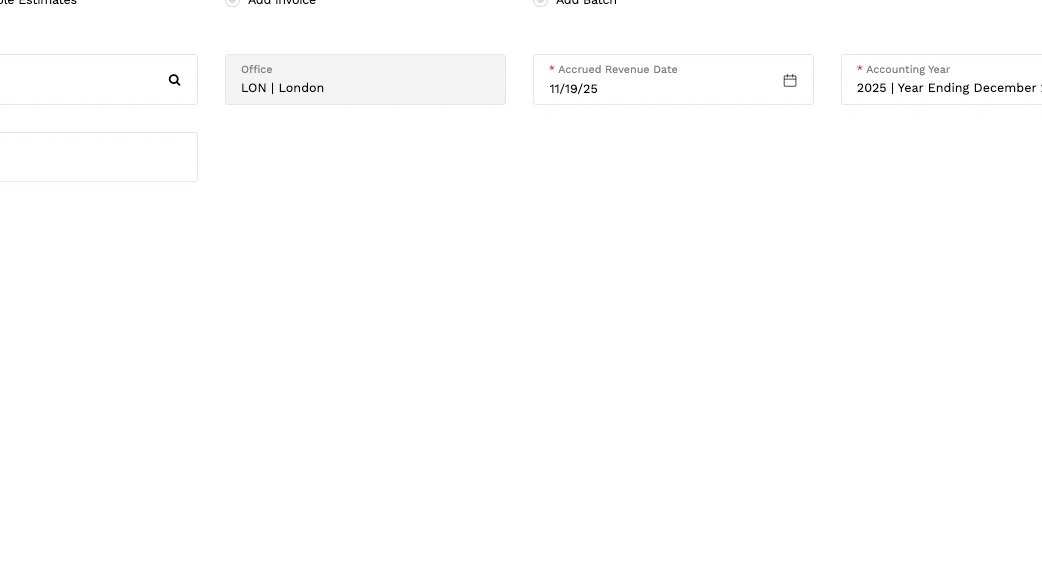
4. Enter the Job No. or choose from the dropdown list provided.
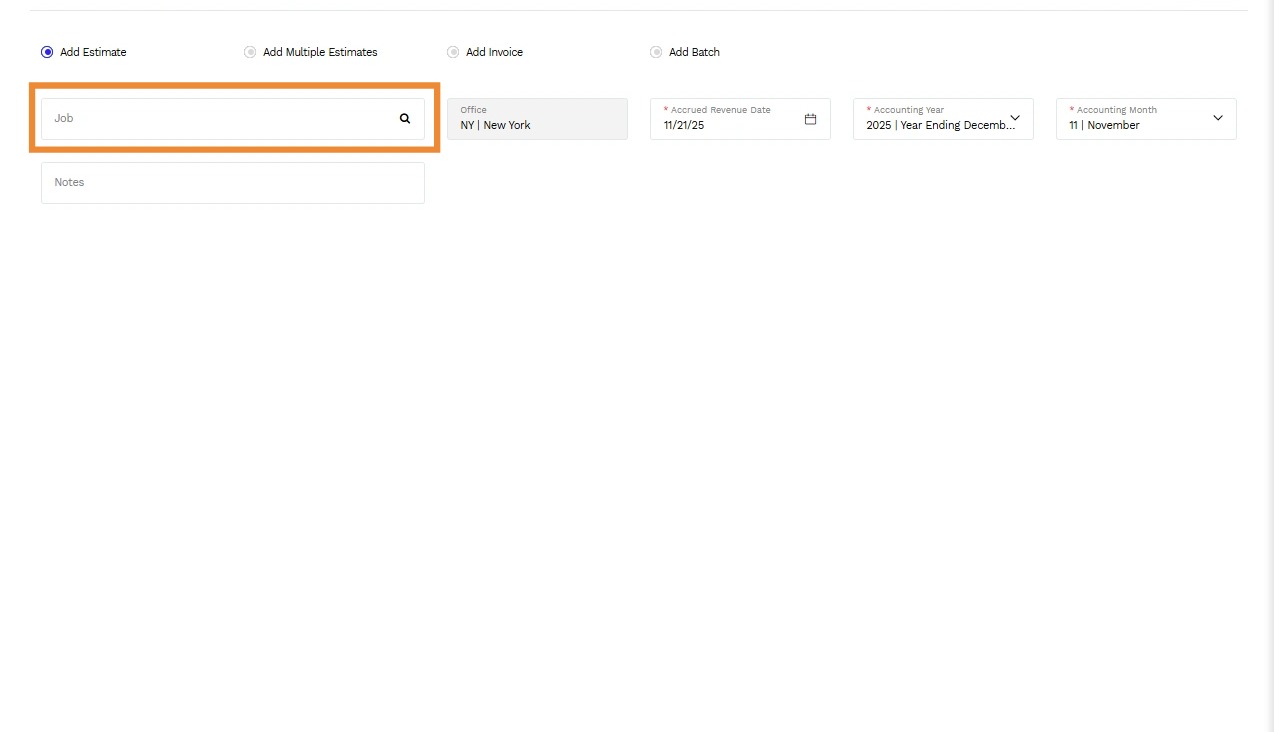
Tip: - Office field will populate automatically based on the selected Job No.
- Accrual Revenue Date will default to the current date but can be modified if necessary.
- Adjust the Accounting Year and Accounting Month if changes are required.

5. Click Next.

6. Tick the checkbox next to the desired Estimate Version to select it for revenue accrual.

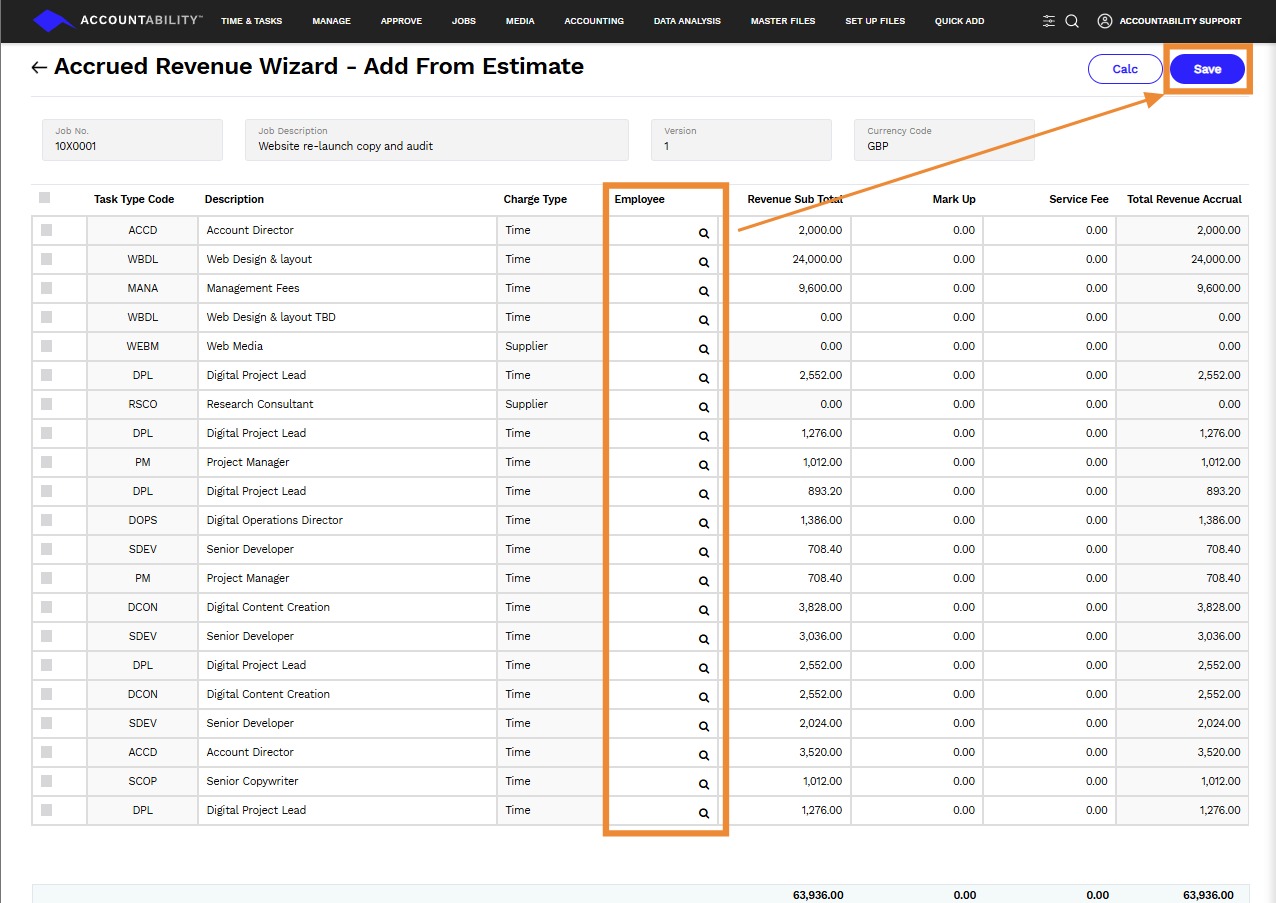
7. You will have the opportunity to edit the employee details and finalize your accrued revenue entry.
Click on the Save.