![AccountAbility_logo_primary_fullcolor-1.png]](https://knowledgebase.counta.com/hs-fs/hubfs/AccountAbility_logo_primary_fullcolor-1.png?height=40&name=AccountAbility_logo_primary_fullcolor-1.png)
Step by Step Guide:
1. Select MANAGE > Expense Claims.
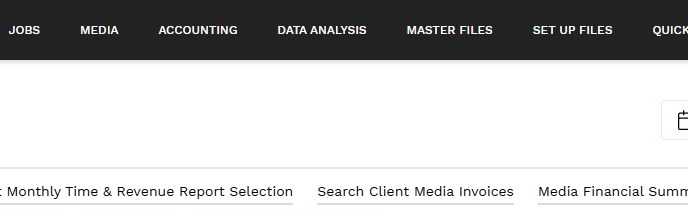
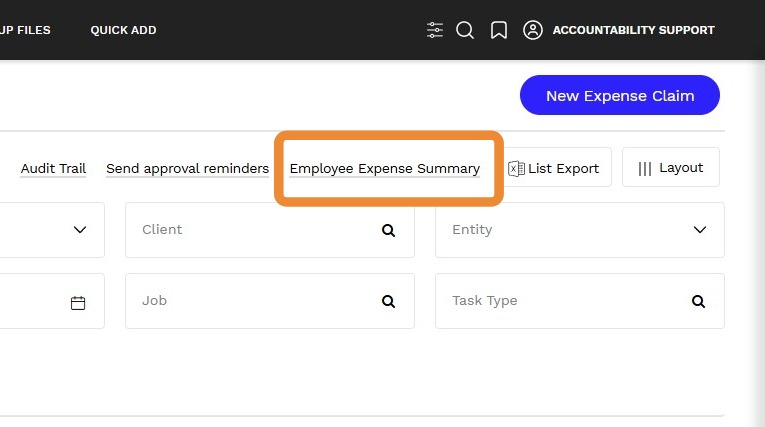
2. Click Employee Expense Summary.
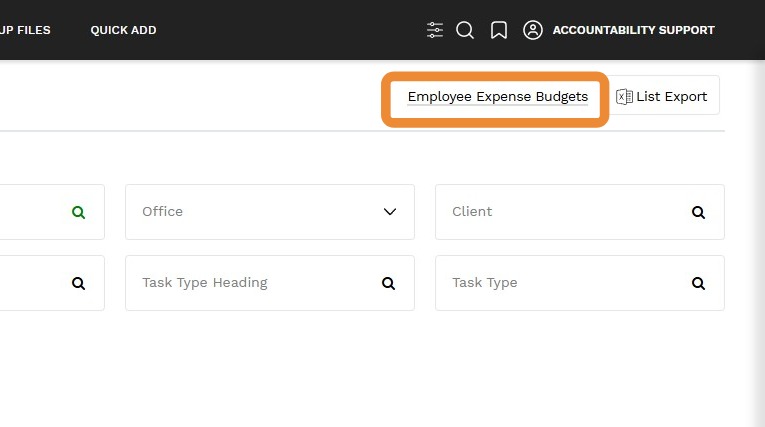
3. Click Employee Expense Budgets
4. Click on New Employee Expense Budget.
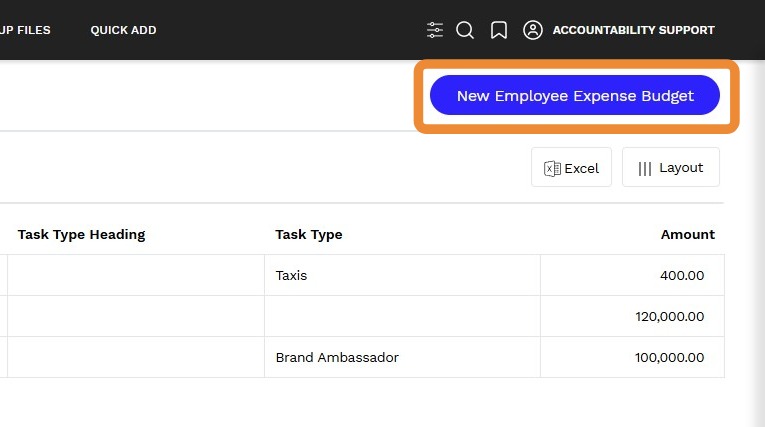
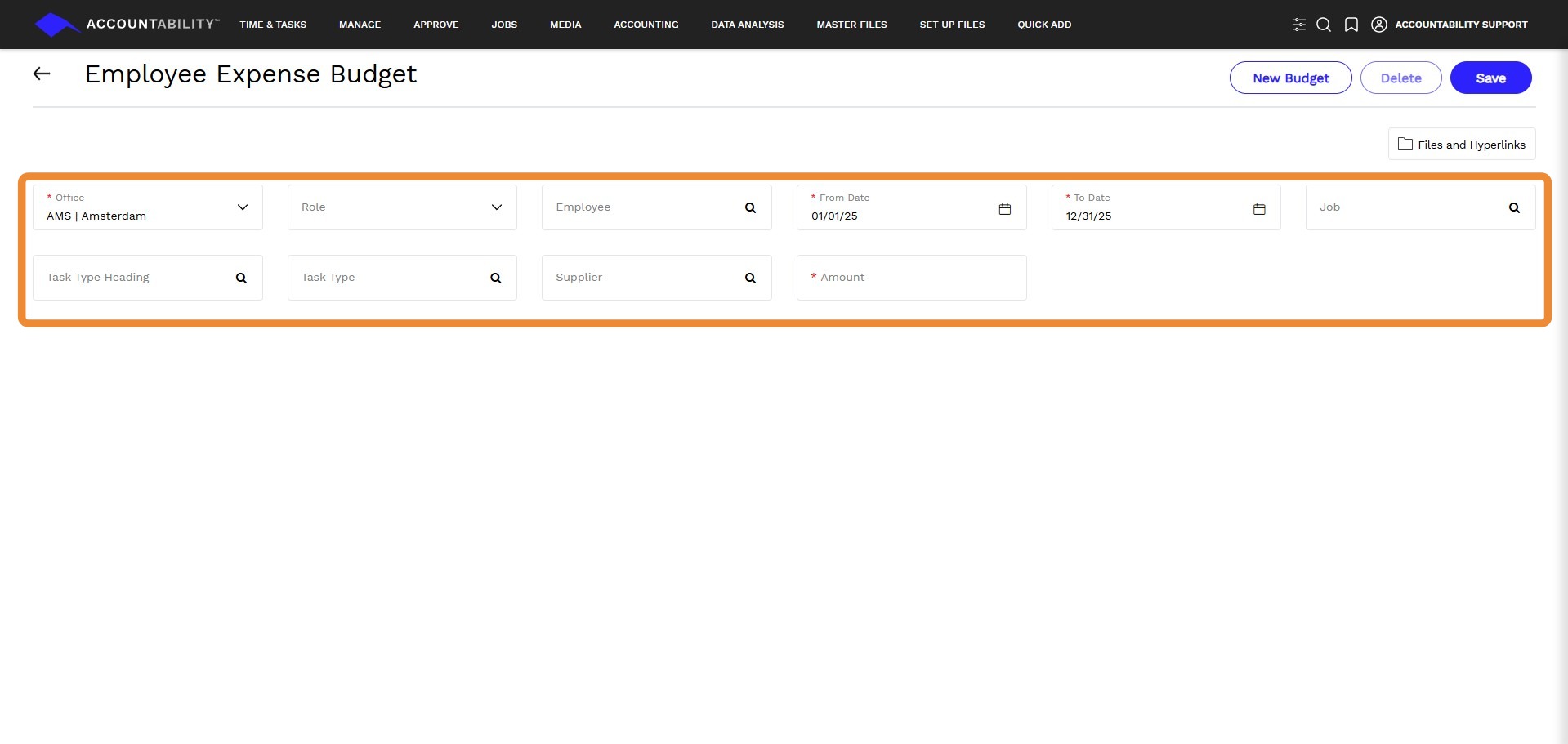
5. Enter the following information in the mandatory fields:
- Office
- From Date
- To Date
- Amount
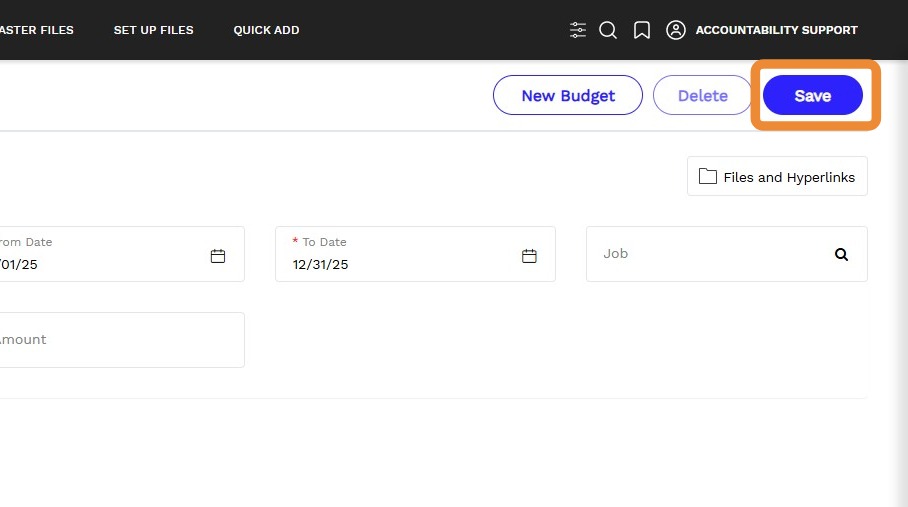
6. Click Save.
Tip: Note: For additional instructions on how to create and edit an expense go to Expense Budgets.