![AccountAbility_logo_primary_fullcolor-1.png]](https://knowledgebase.counta.com/hs-fs/hubfs/AccountAbility_logo_primary_fullcolor-1.png?height=40&name=AccountAbility_logo_primary_fullcolor-1.png)
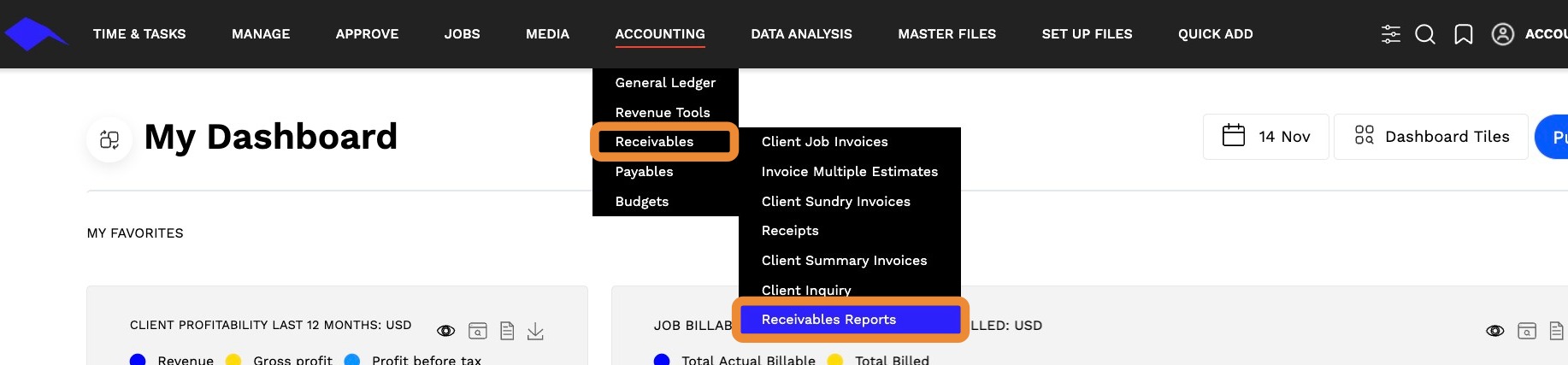
1. Navigate to ACCOUNTING > Receivables > Receivables Report.
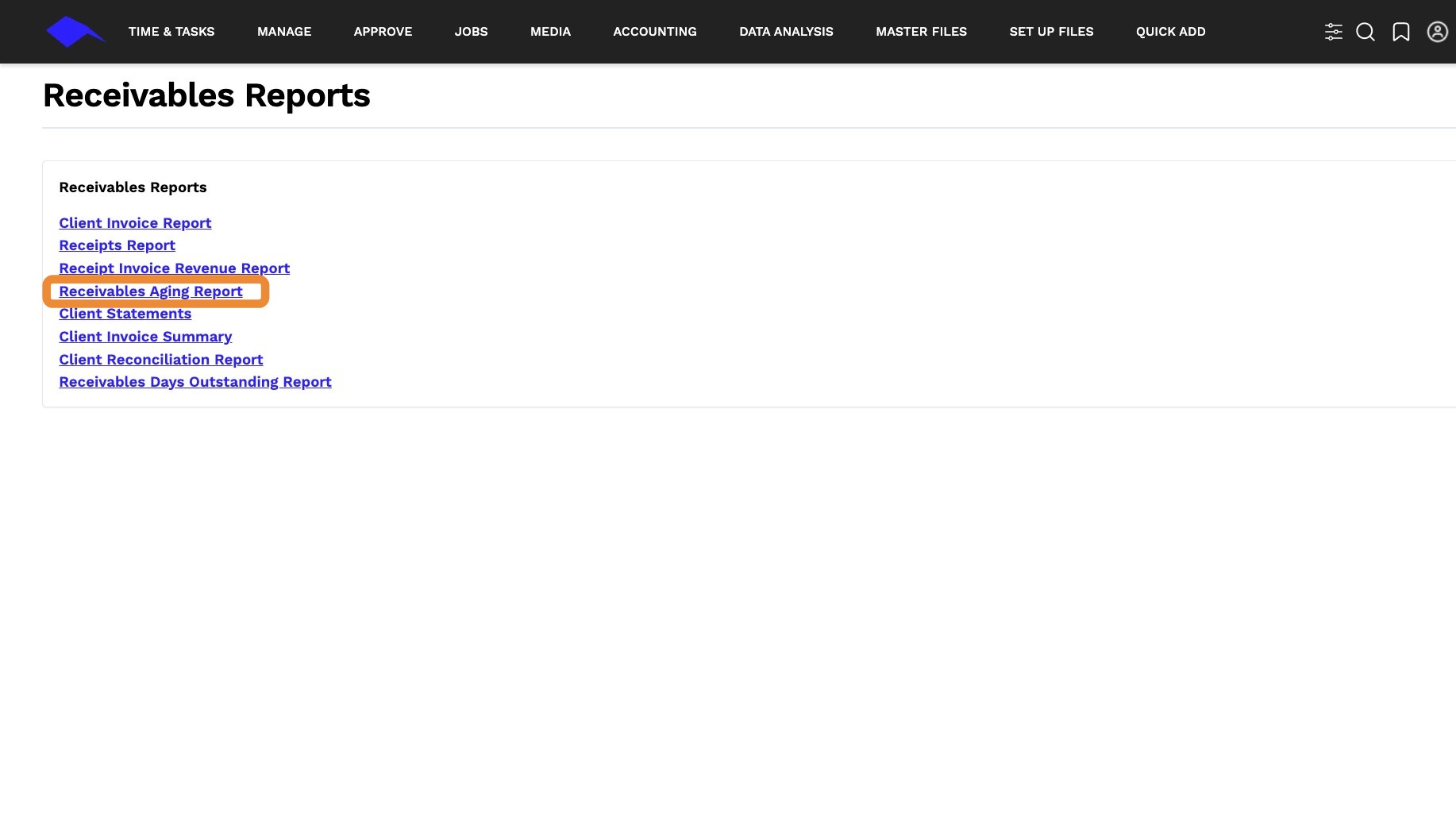
2. Click on Receivables Aging Report.
3. Click here.
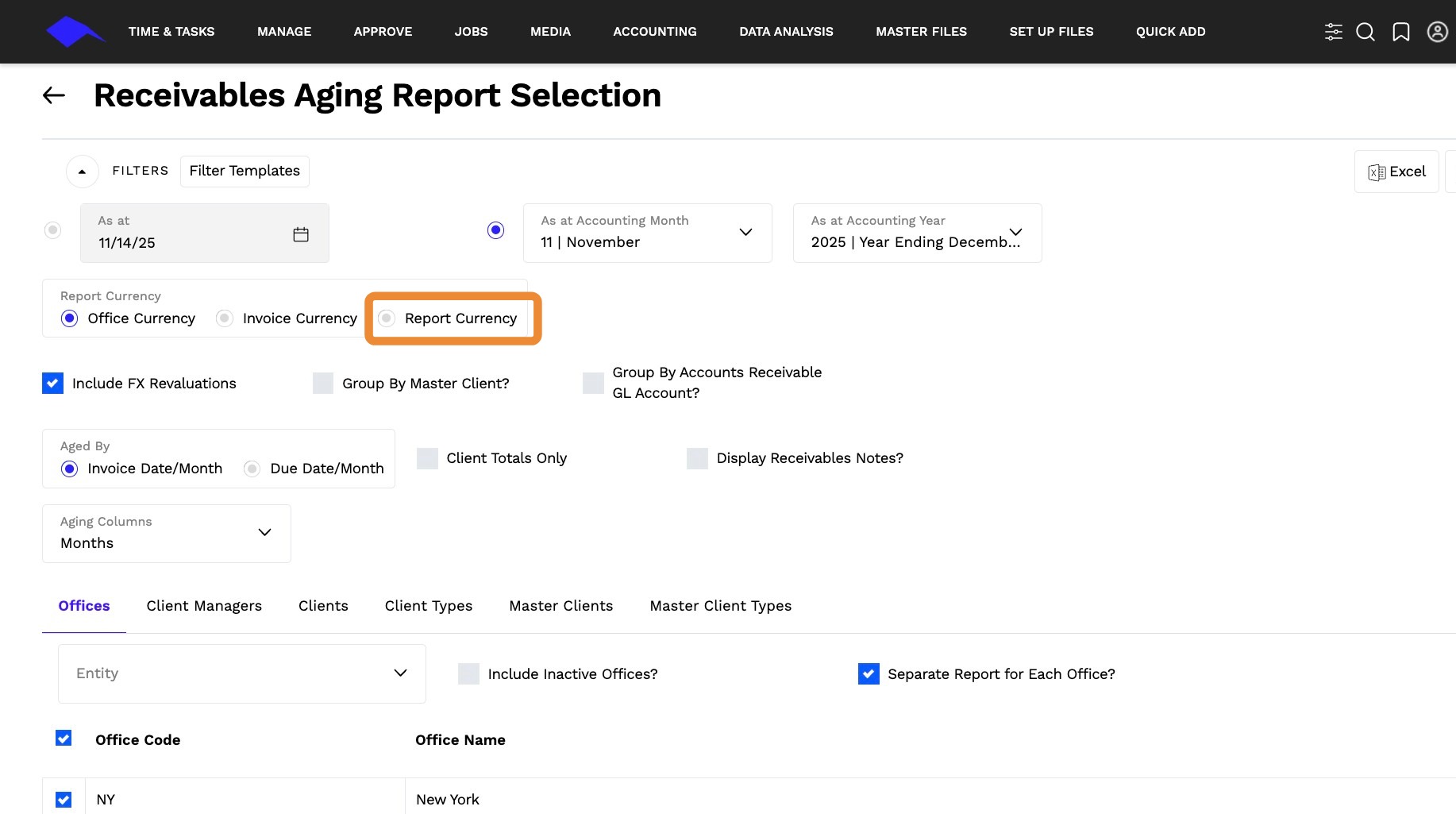
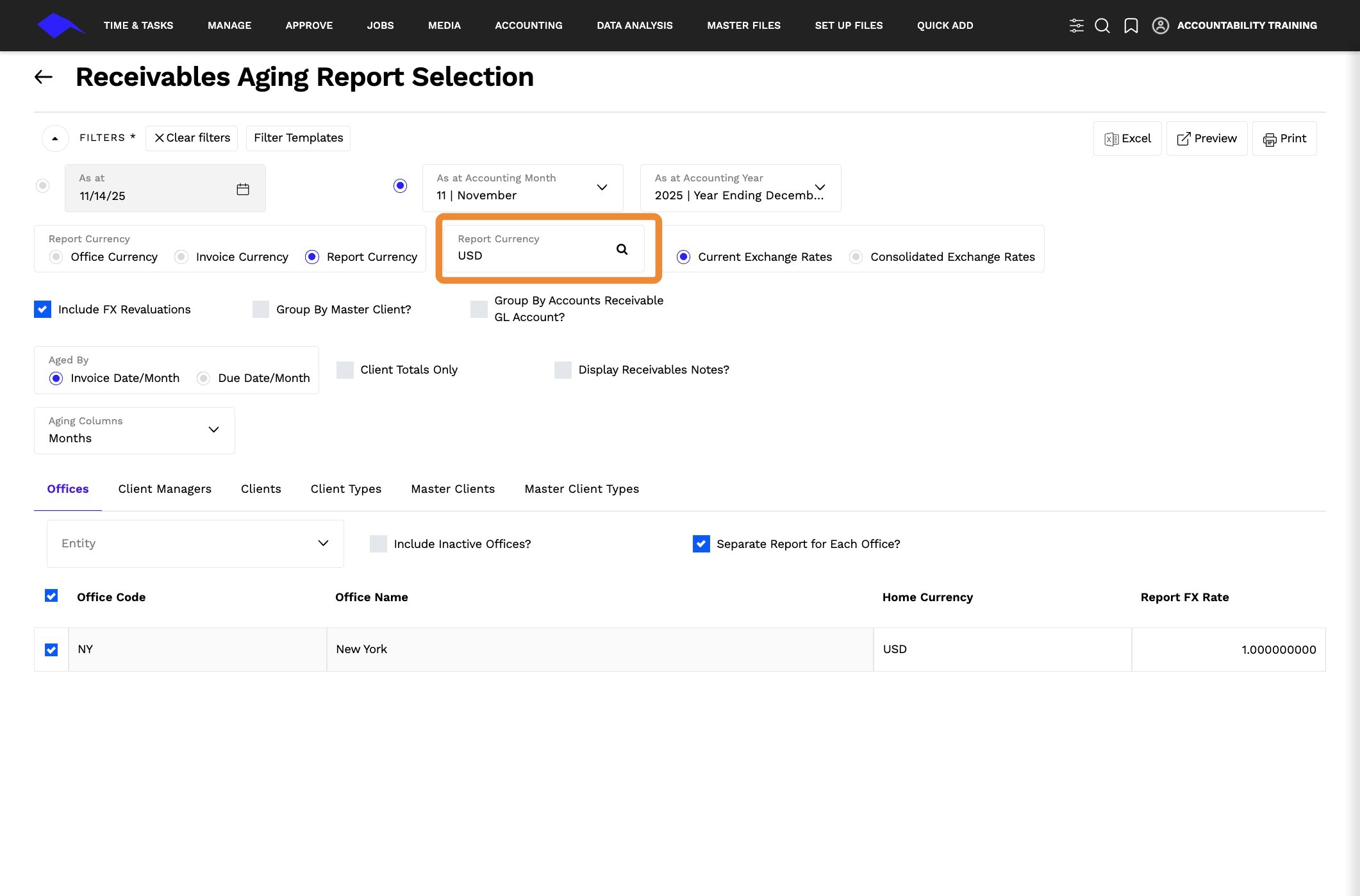
4. Enter or select the currency you want to report in.
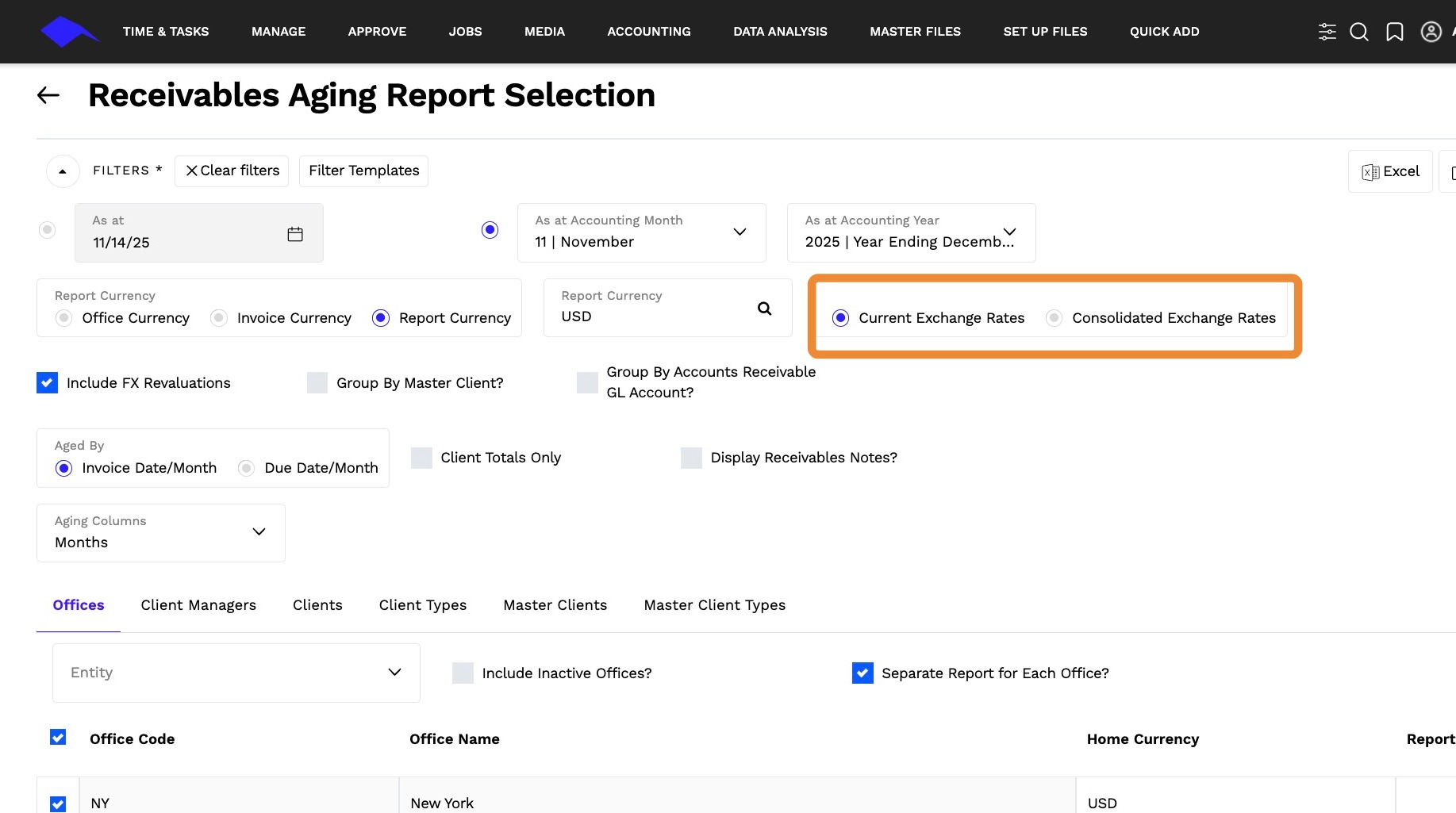
5. Click on either CURRENT EXCHANGE RATES or CONSOLIDATED EXCHANGE RATES to convert invoice amounts to the currency chosen.
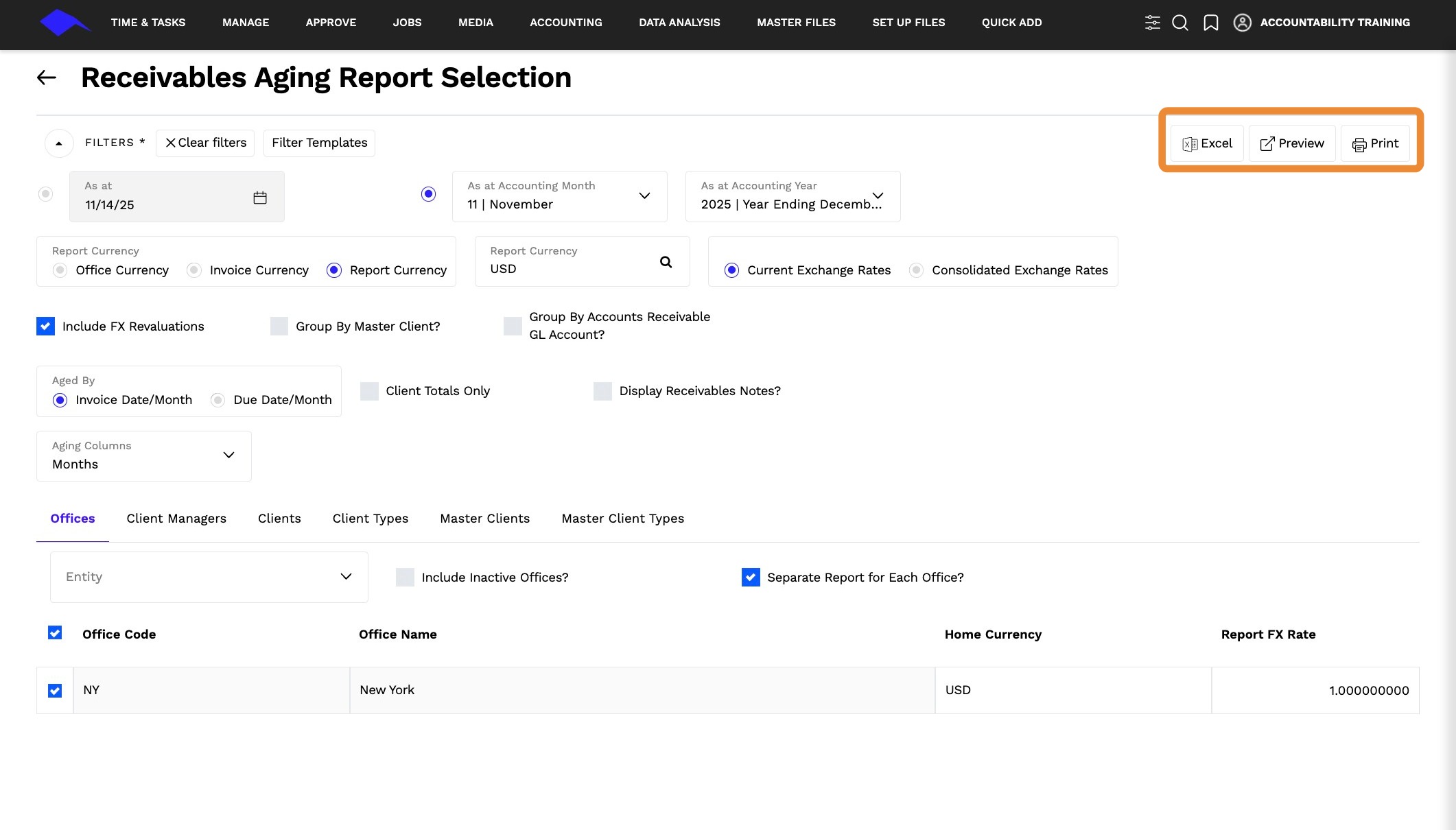
6. Click EXCEL, PREVIEW, or PRINT to view the report.