Step by Step Guide:
My Dashboard visualizes agency data at various levels. Access predefined and custom agency charts across the following categories: Balance Sheet, Jobs, Profit & Loss, Resources, Revenue, and Time.
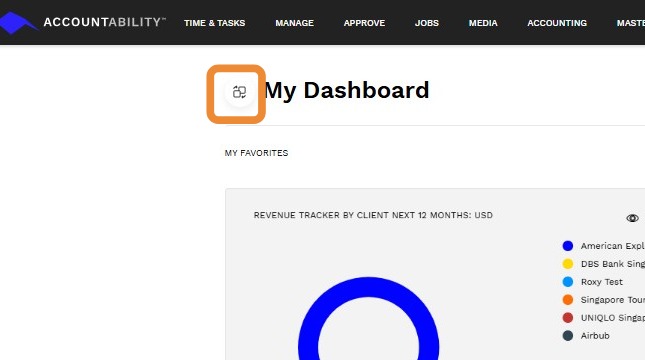
1. Click on the switch icon to the left of My Dashboard.
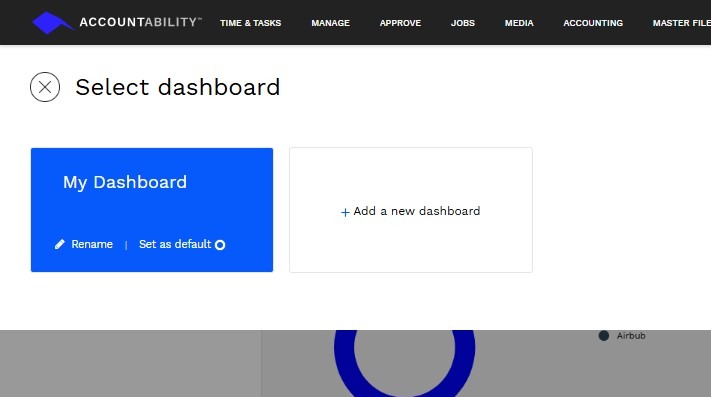
2. Rename, delete, or create additional dashboards. Users can also set a particular dashboard as a default from this view.