![AccountAbility_logo_primary_fullcolor-1.png]](https://knowledgebase.counta.com/hs-fs/hubfs/AccountAbility_logo_primary_fullcolor-1.png?height=40&name=AccountAbility_logo_primary_fullcolor-1.png)
Step by Step Guide:
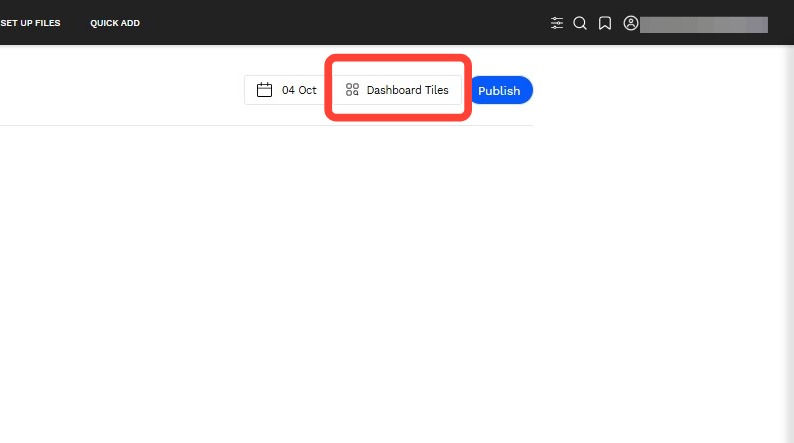
1. Click on the Dashboard Tiles.
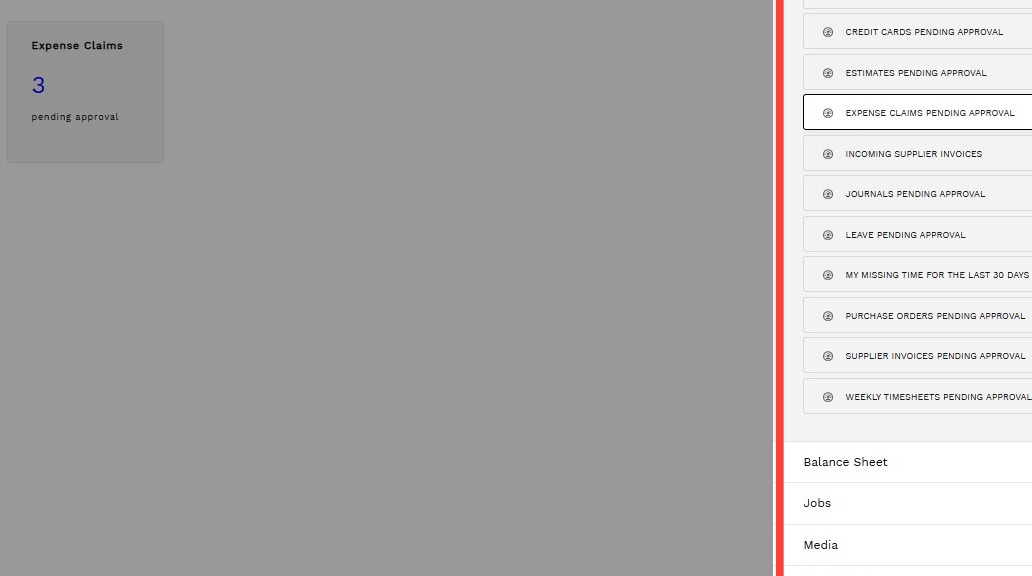
2. Select the tiles needed .
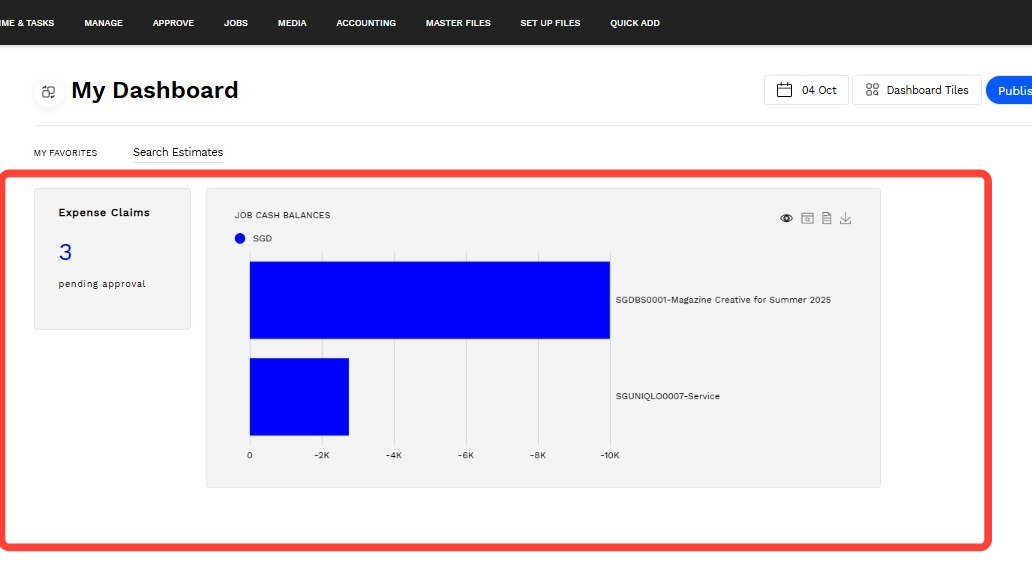
3. Close out of the Dashboard Tiles selection view to return to the dashboard. To move and reposition tiles, simply drag and drop.
4. - Click the to open Accountability side-by-side with these instructions.
- Click the to open the full guide.