![AccountAbility_logo_primary_fullcolor-1.png]](https://knowledgebase.counta.com/hs-fs/hubfs/AccountAbility_logo_primary_fullcolor-1.png?height=40&name=AccountAbility_logo_primary_fullcolor-1.png)
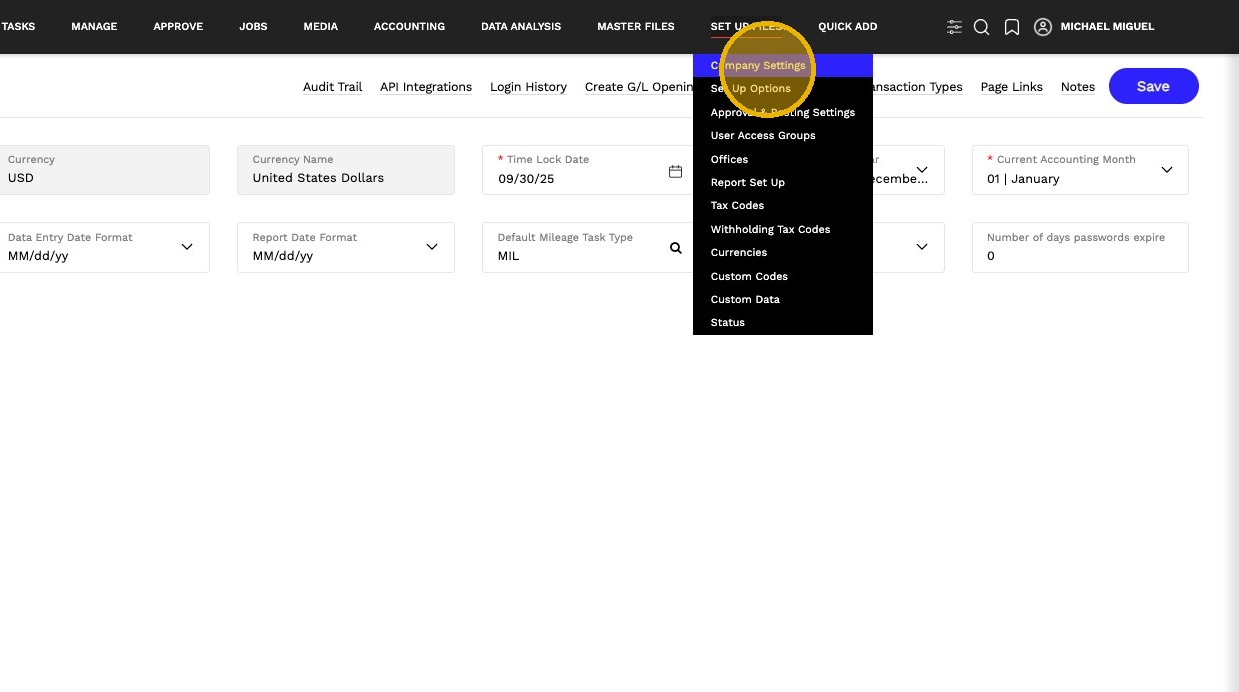
1. From the Set Up Files menu, select Company Settings
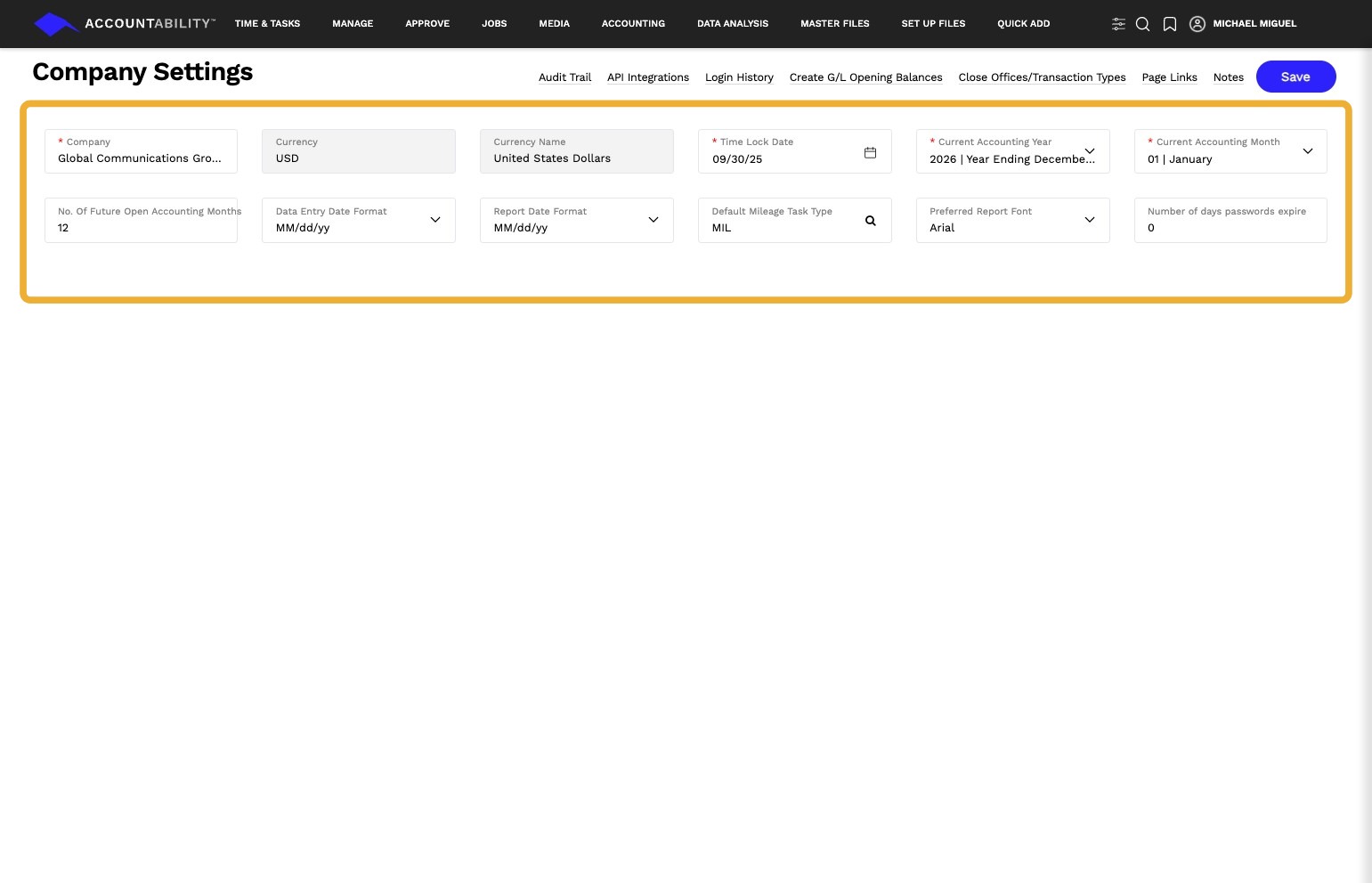
2. Review Core Company Settings
- Company Name: Identifies your organization across the system
- Currency : Sets the base currency for all financial transactions and reporting
- Accounting Year & Month: Defines the current financial period for reporting
- Time Lock Date: Controls how far back users can edit or enter transactions
- Date & Report Formats: Standardizes how dates and reports are displayed
- System Defaults (e.g., Mileage, Fonts): Applies default settings across workflows and reports
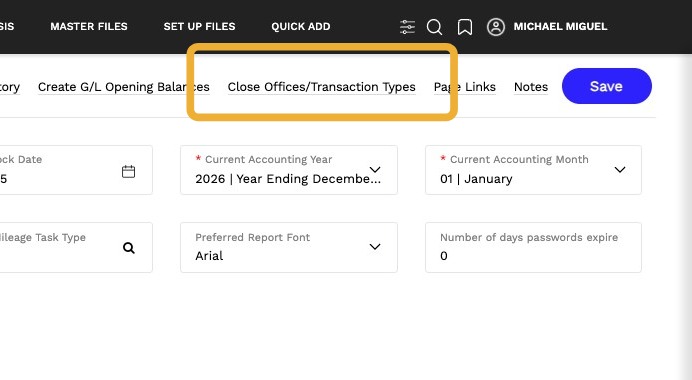
3. Click Close Offices / Transaction Types
Control which transactions can be created or modified by office. This is typically used during month-end to restrict activity and protect closed financial periods.
For detailed instructions, refer to the full guide:
Close Offices / Transaction Types
4. Audit Trail
View a detailed history of changes made within the system, including the user, timestamp, and action performed. This provides a reliable record for auditing activity, troubleshooting issues, and maintaining data integrity.
The Audit Trail is available across multiple areas of the platform, allowing you to track changes at both the system level and within specific features.
5. Login History
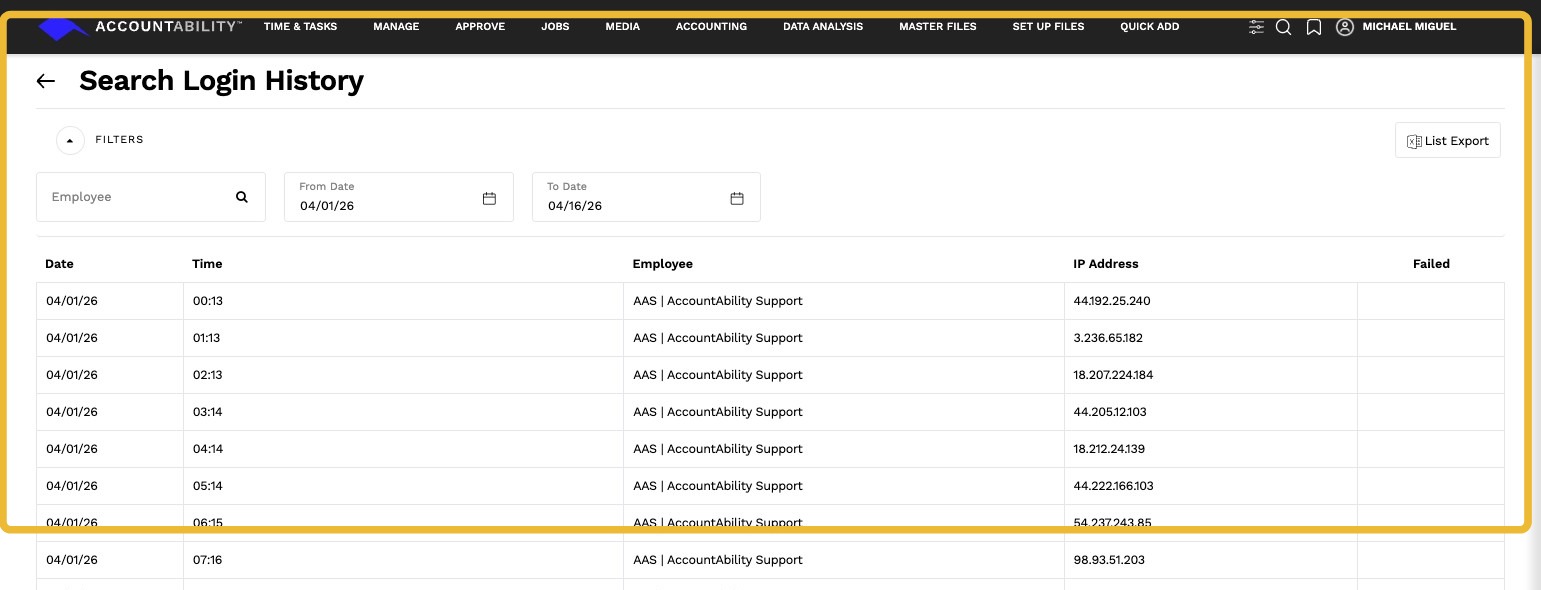
View a record of system access, including who logged in, when access occurred, and the associated IP address. This provides visibility into user activity and helps identify unusual or unauthorized access.
Use filters to refine results by employee or date range for more targeted review.
6. API Integrations
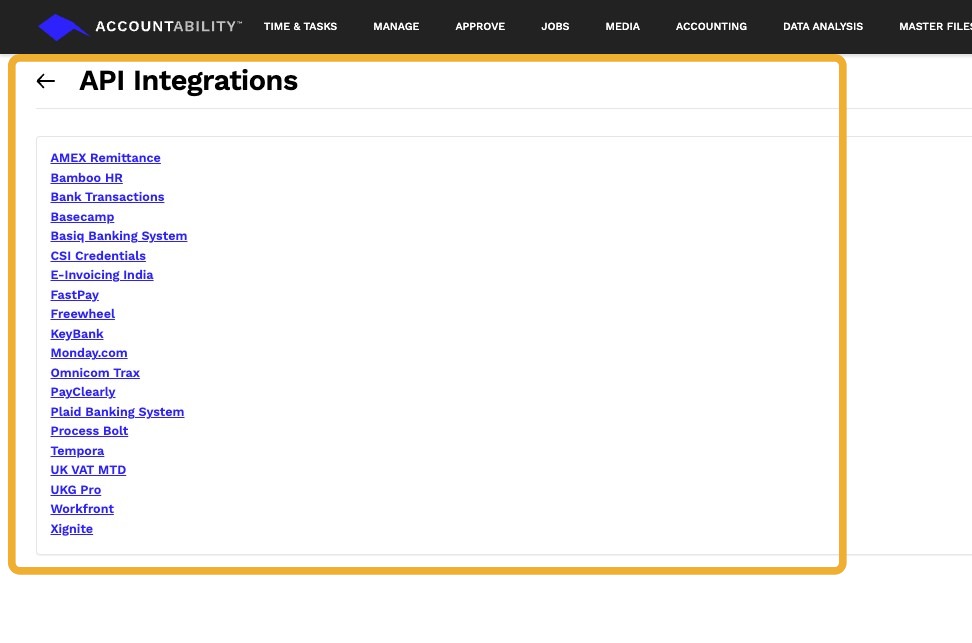
View and manage connections between Accountability and external systems such as banking, HR, and workflow tools. These integrations enable data to sync between platforms, reducing manual entry and improving accuracy.
Configuration is typically handled during implementation or by system administrators when new integrations are required.
7. G/L Opening Balances
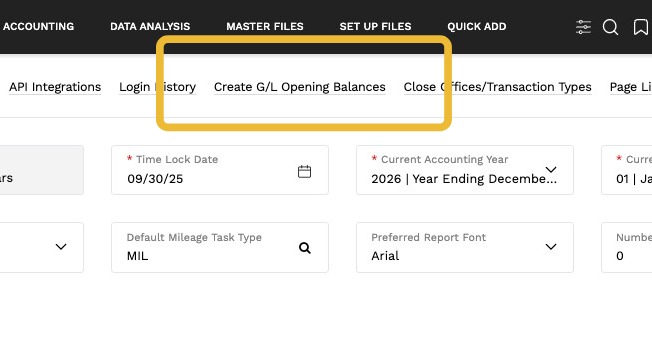
Set the starting balances for your general ledger to establish your financial position at the time of system implementation. This ensures accurate reporting from day one.
8. Company Notes
Use this section to document important information, decisions, or configuration details related to your organization. This can help provide context for future reference and ensure consistency across your team.