Step by Step Guide:
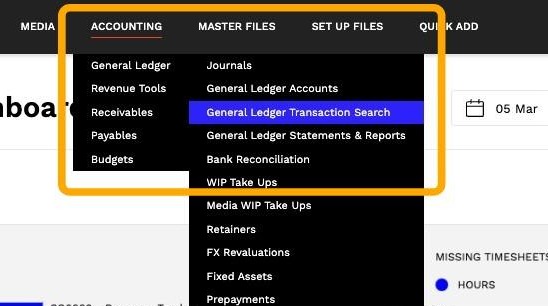
1. Navigate to Accounting > General Ledger > General Ledger Transaction Search.
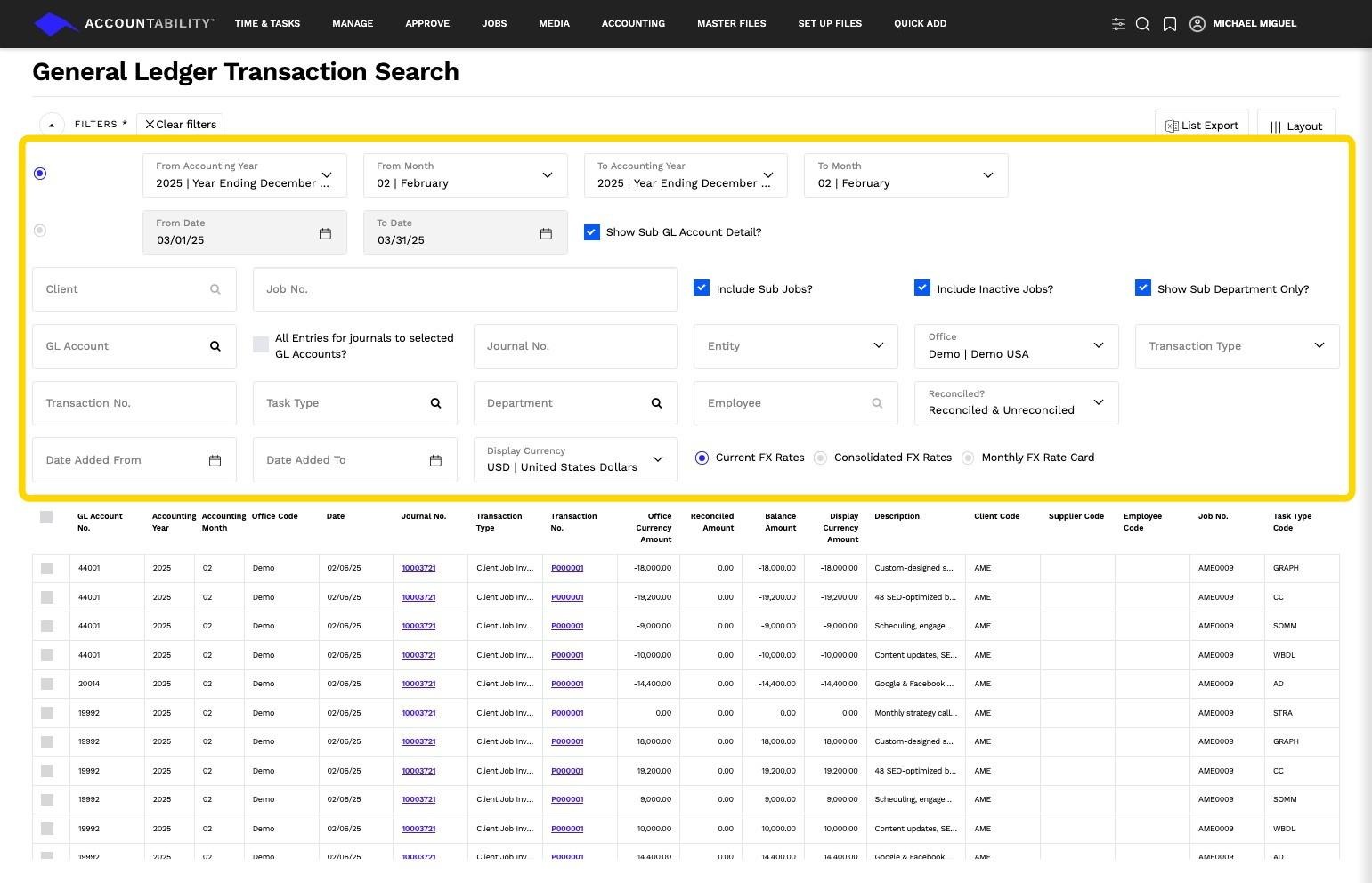
2. Set the relevant filters for the data you want to see. Tab out or if available, click the Get Data button to refresh the data on the grid.
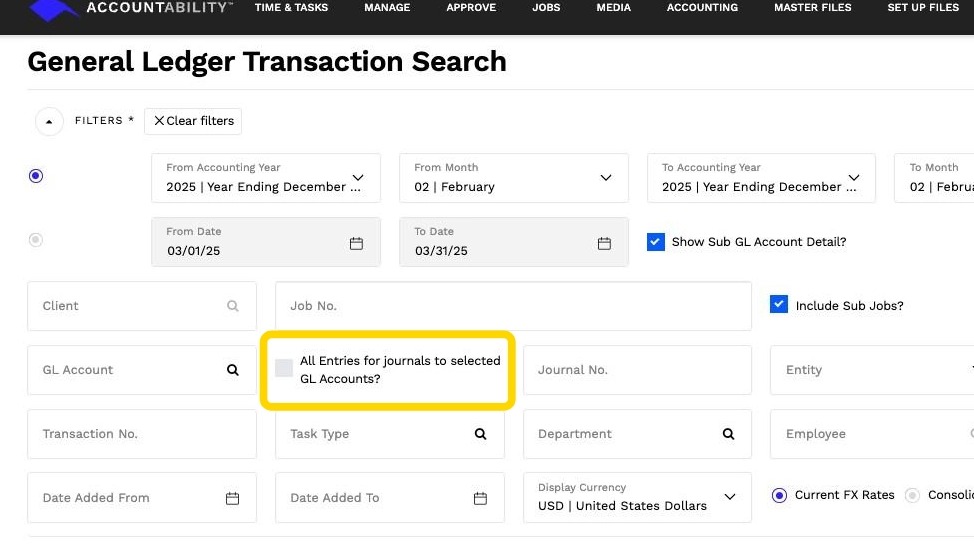
3. TIP: The All Entries for journals to selected GL Accounts enables you to see both sides of the transaction.
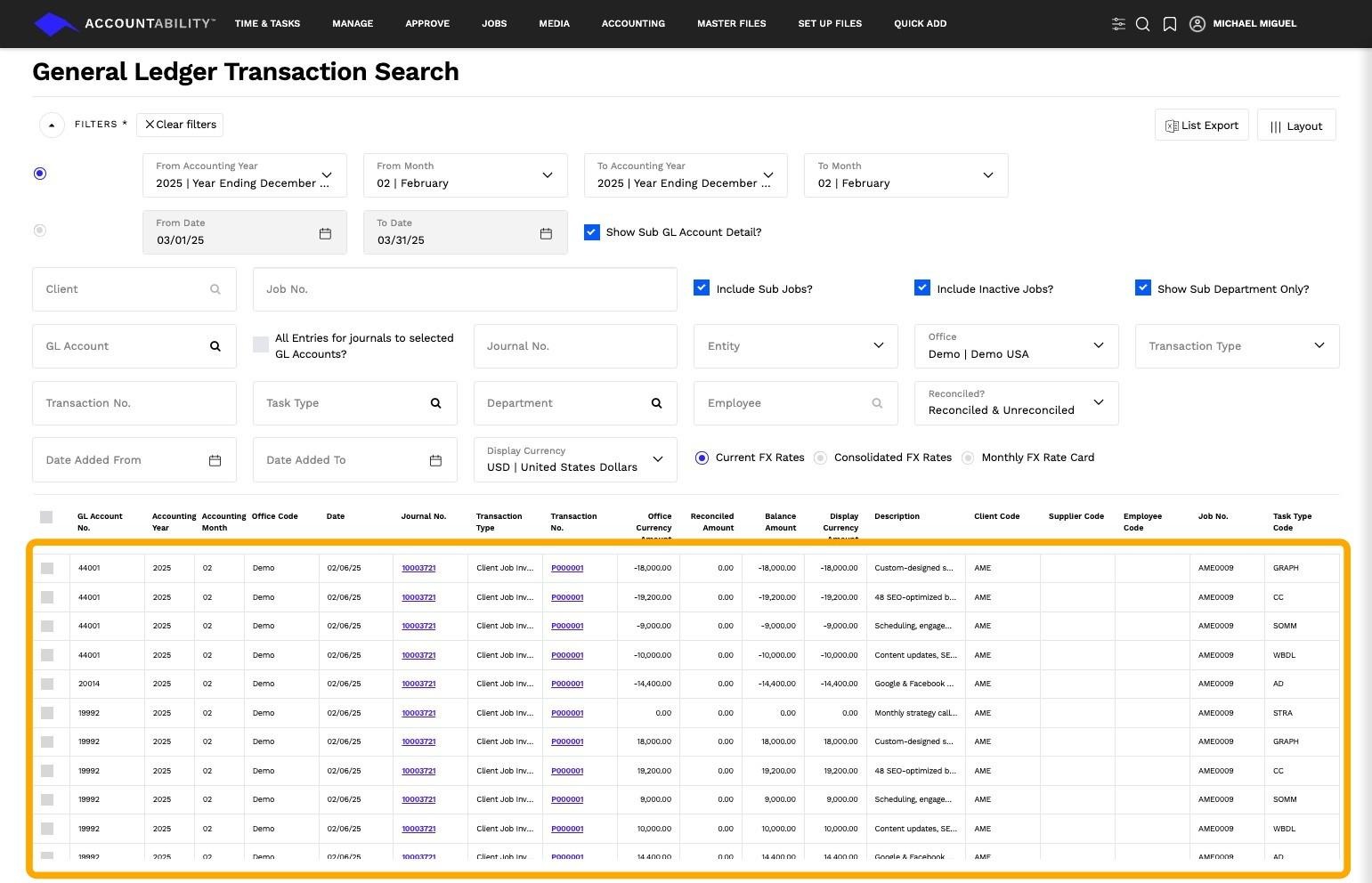
4. All system-generated and manual journals posted to the General Ledger are listed based on the filters selected.
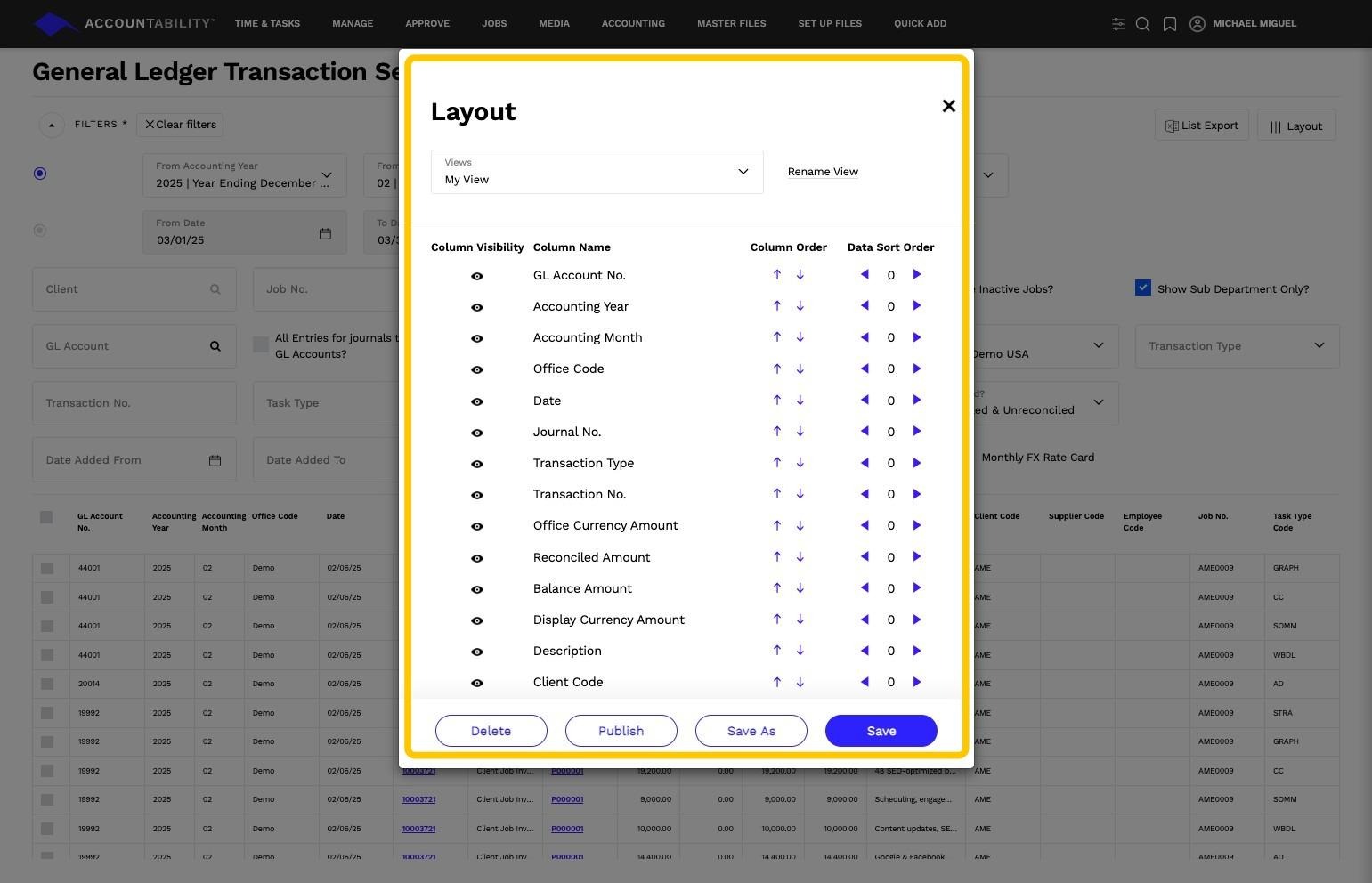
5. Click Layout button to customize which columns to include and their order.