![AccountAbility_logo_primary_fullcolor-1.png]](https://knowledgebase.counta.com/hs-fs/hubfs/AccountAbility_logo_primary_fullcolor-1.png?height=40&name=AccountAbility_logo_primary_fullcolor-1.png)
1. This is an optional function that prevents a Supplier Invoice from being paid unless it has been flagged as reconciled.
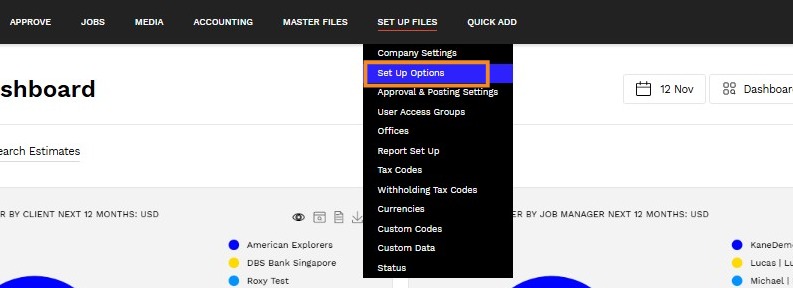
2. Navigate to Set Up Files > Set Up Options.
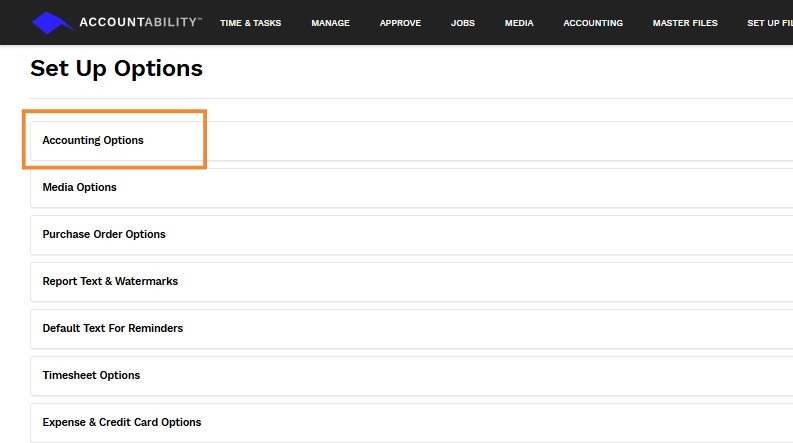
3. Click Accounting Options.
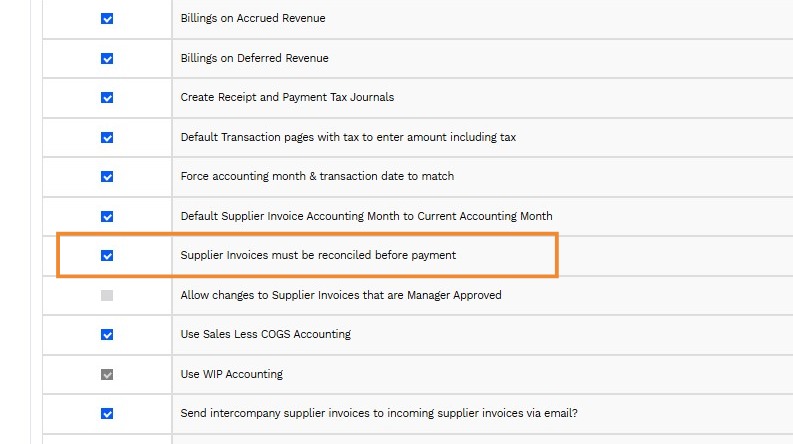
4. Check the Supplier Invoices must be reconciled before payment option.
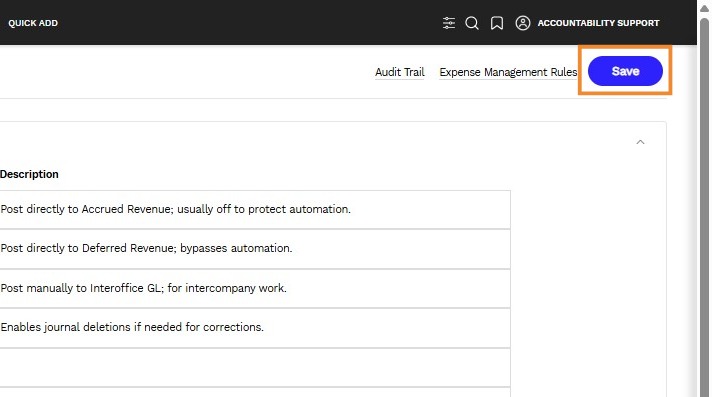
5. Click Save.
Mark Invoices as Reconciled
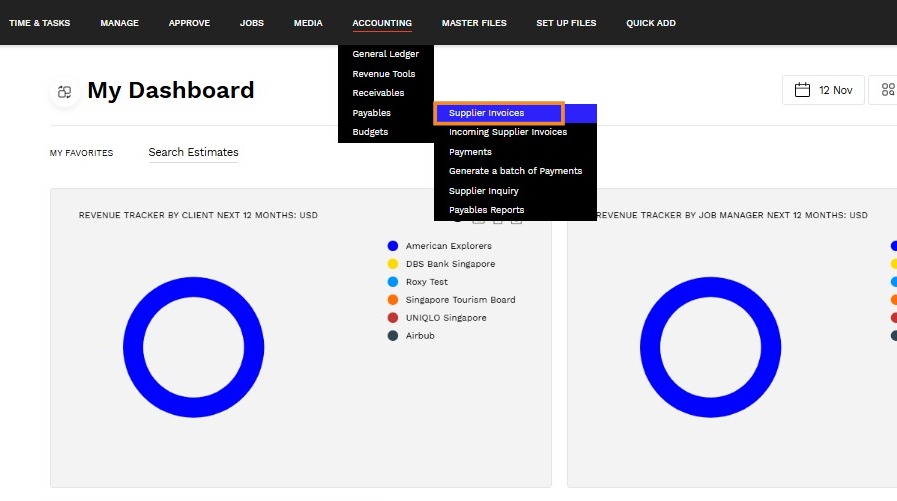
6. Navigate to Accounting > Payable > Supplier Invoices.
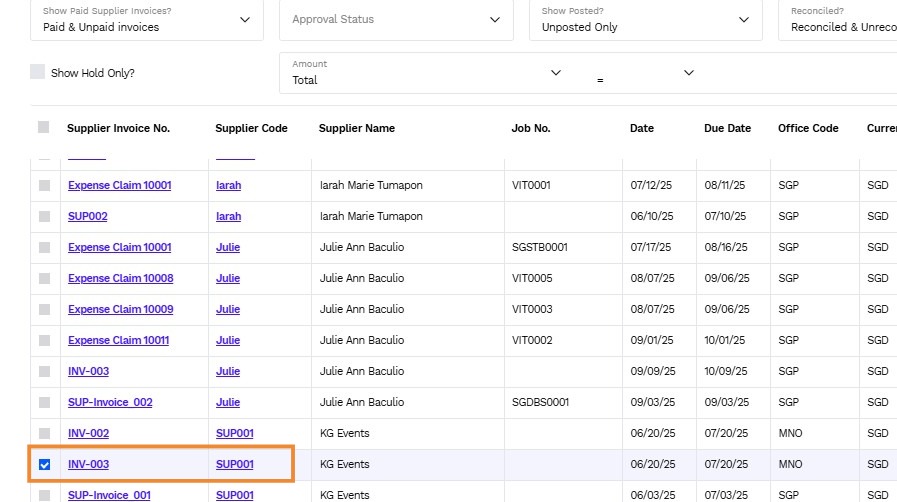
7. Check the box next to the Supplier Invoice No. to be reconciled.
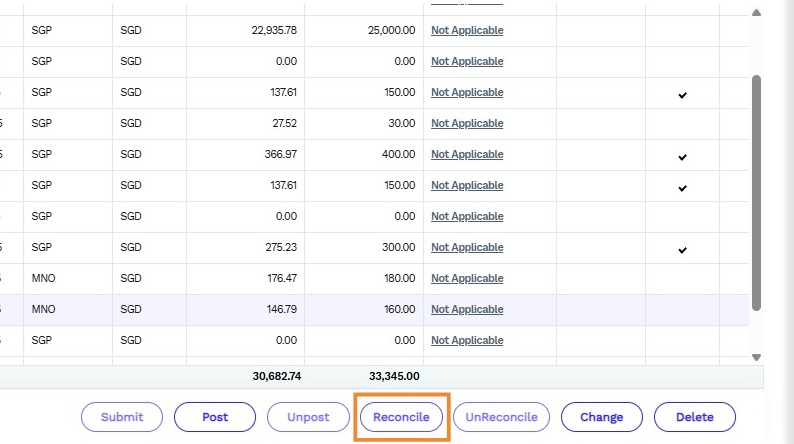
8. Click Reconcile.
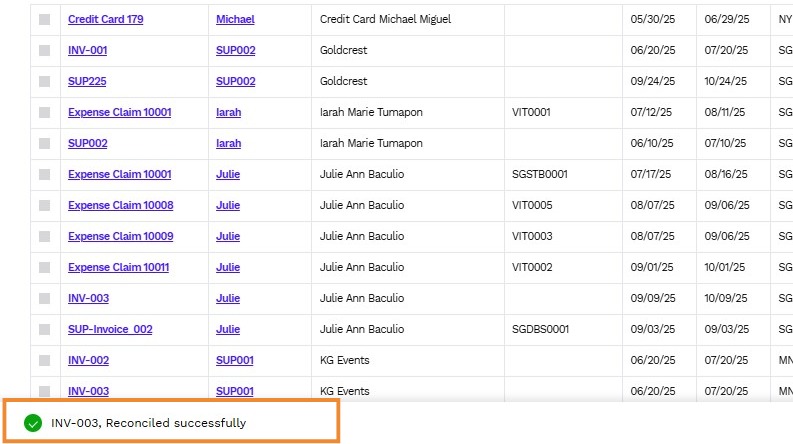
9. A notification will appear on the bottom of the page confirming the reconciliation.