![AccountAbility_logo_primary_fullcolor-1.png]](https://knowledgebase.counta.com/hs-fs/hubfs/AccountAbility_logo_primary_fullcolor-1.png?height=40&name=AccountAbility_logo_primary_fullcolor-1.png)
Open the Login Page
1. Launch your web browser and go to the Counta login URL provided by your organization.
Counta Standard URL:
Americas: www.accountabilityone.com
EMEA: www.accountabilityoneeu.com
APAC: www.accountabilityonesystem.com
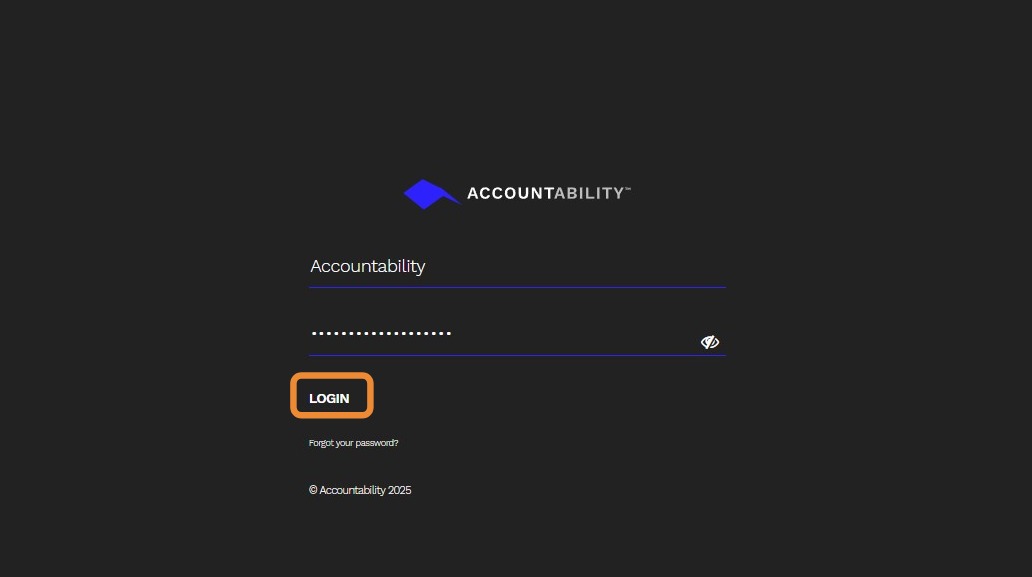
2. Enter Your Credentials
- Username - Your registered email or user ID.
- Password - Enter your secure password.
- If multi-factor authentication (MFA) is enabled, complete the verification step.
Press the Login button to access your dashboard.
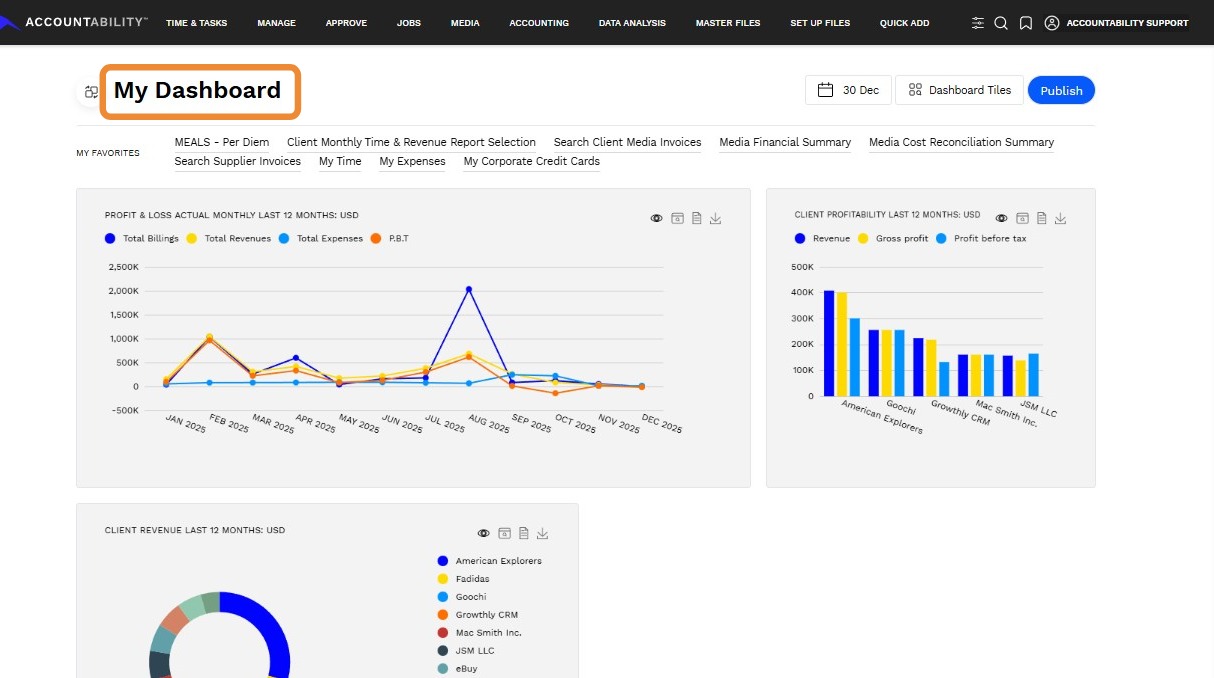
3. After successful login, you will land on My Dashboard.
Tip: - Ensure your browser supports Counta.
- If you forget your password, use the Forgot Password link on the login page.