![AccountAbility_logo_primary_fullcolor-1.png]](https://knowledgebase.counta.com/hs-fs/hubfs/AccountAbility_logo_primary_fullcolor-1.png?height=40&name=AccountAbility_logo_primary_fullcolor-1.png)
Step by Step Guide:
1. HOMEPAGE / DASHBOARD
Accountability’s configurable main page.
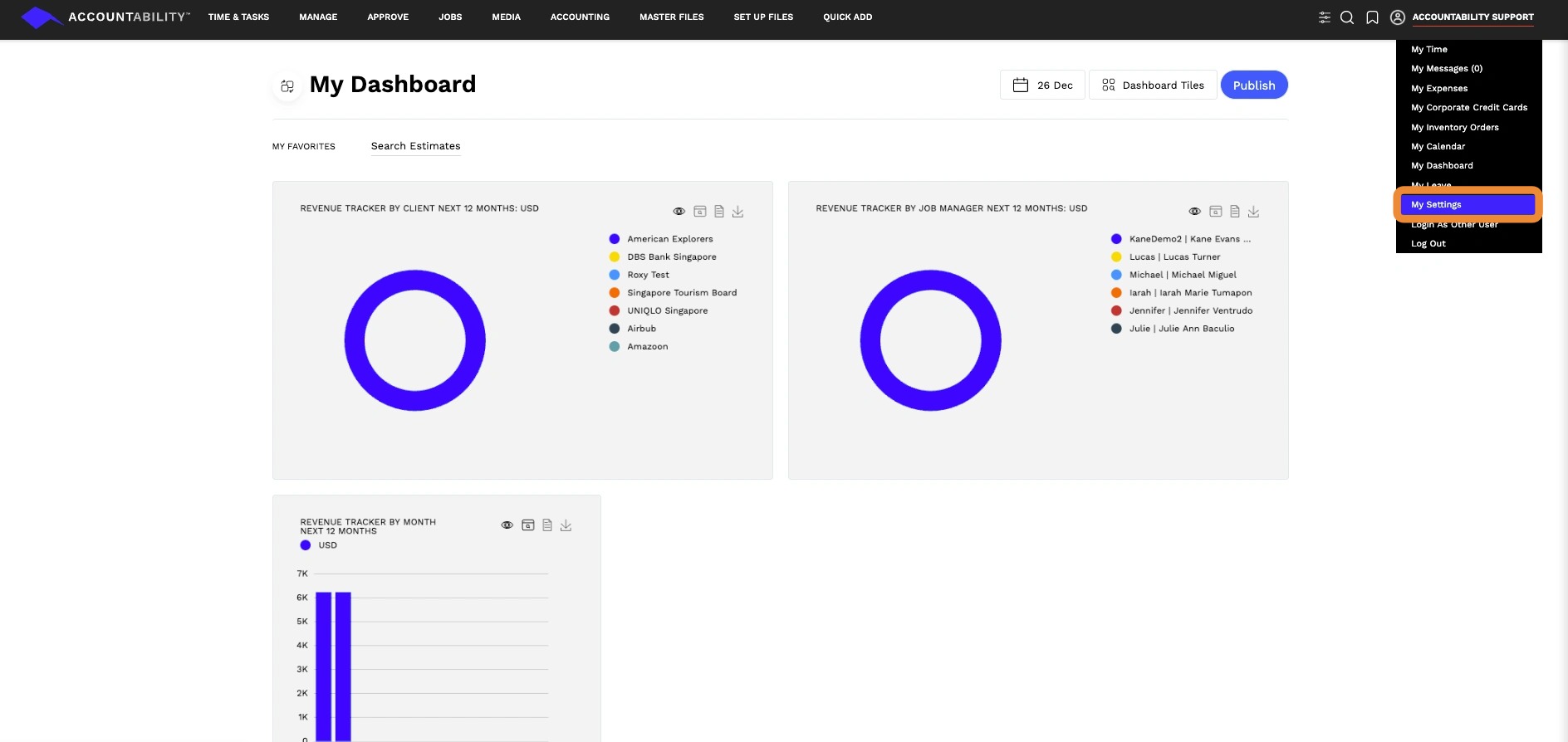
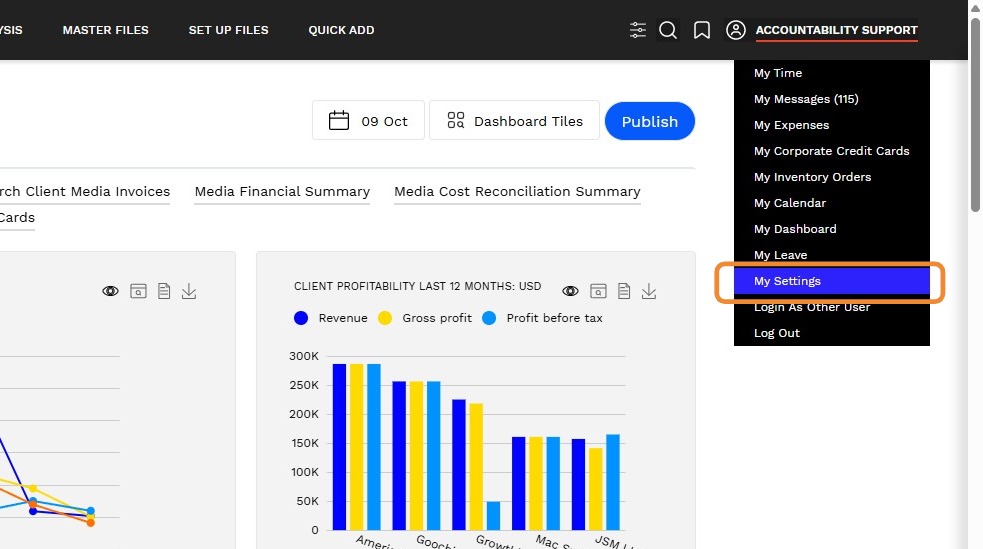
To configure your Dashboard, Navigate to the My Menu (User Name) and Select My Settings
2. TIME & TASKS
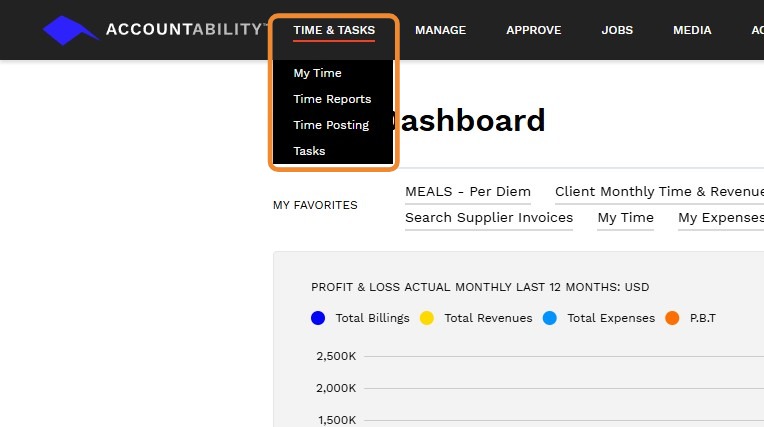
Time and Task include the following sections:
3. MANAGE
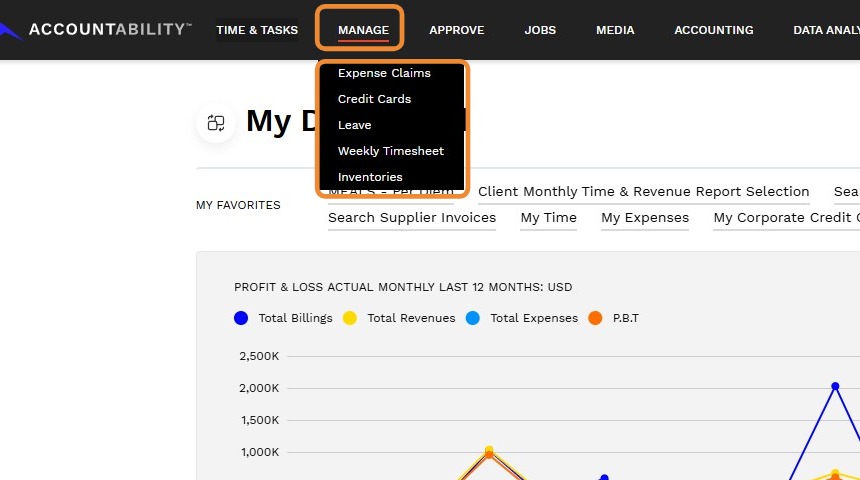
Manage includes the following sections:
- Expense Claims
- Credit Cards
- Leave
- Weekly Timesheet
- Inventories
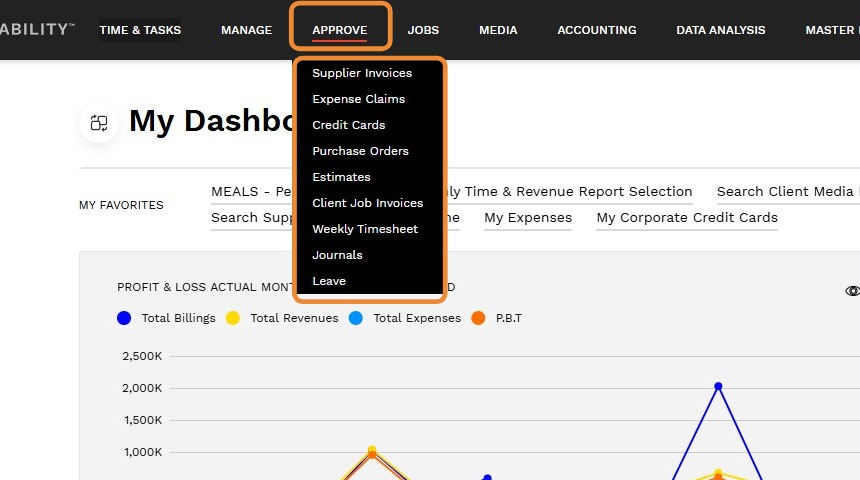
4. APPROVE
Approve the following:
- Supplier Invoices
- Expense Claims
- Credit Cards
- Purchase Orders
- Estimates
- Client Job Invoices
- Weekly Timesheet
- Journals
- Leave
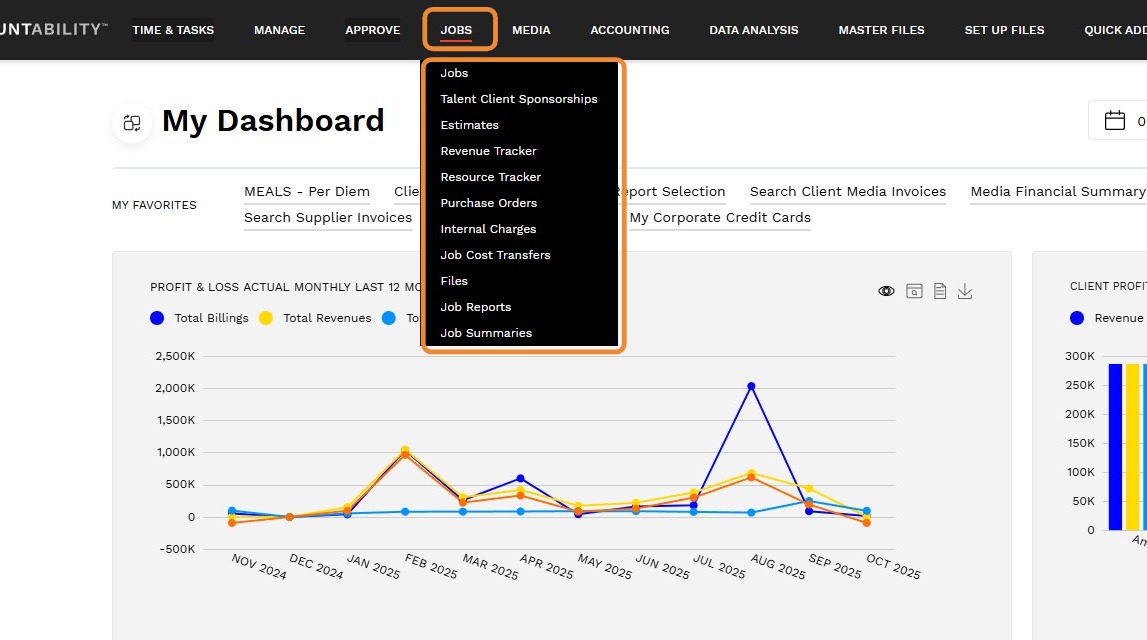
5. JOBS
Create and view:
- Jobs
- Talent Client Sponsorships
- Estimates
- Revenue Tracker
- Resource Tracker
- Purchase Orders
- Internal Charges
- Job Cost Transfers
- Files
- Job Reports
- Job Summaries
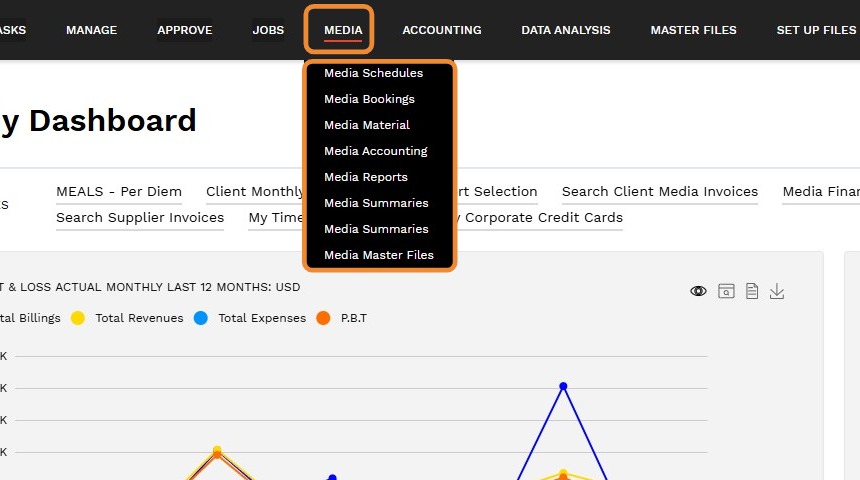
6. MEDIA
View:
- Media Schedules
- Media Bookings
- Media Material
- Media Accounting
- Media Reports
- Media Summaries
- Media Summaries
- Media Master Files
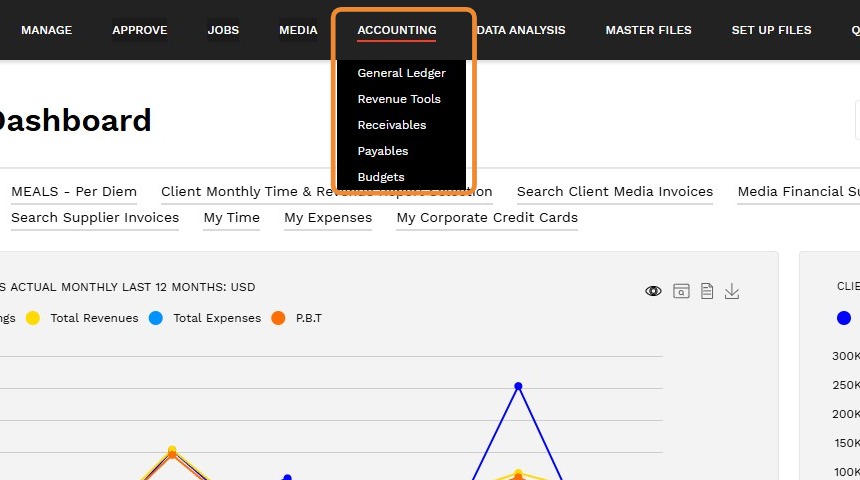
7. ACCOUNTING
Create and View:
- General Ledger
- Revenue Tools
- Receivables
- Payables
- Budgets
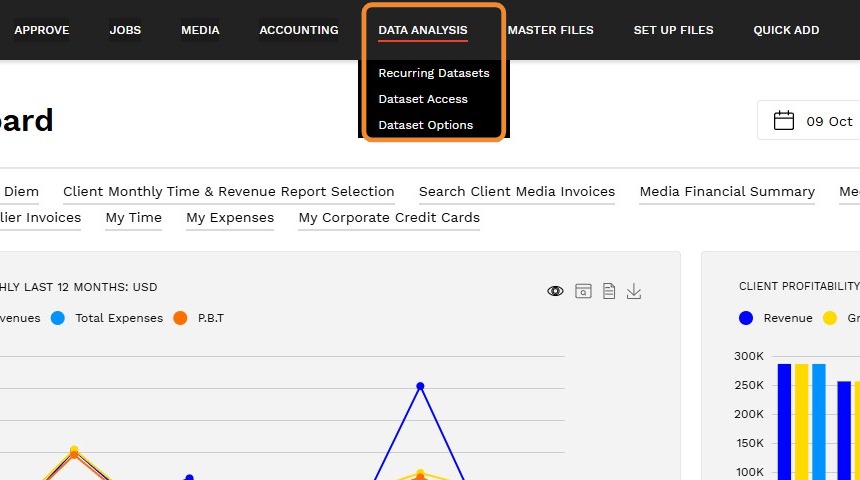
8. Data Analysis
- Recurring Datasets
- Dataset Access
- Dataset Options
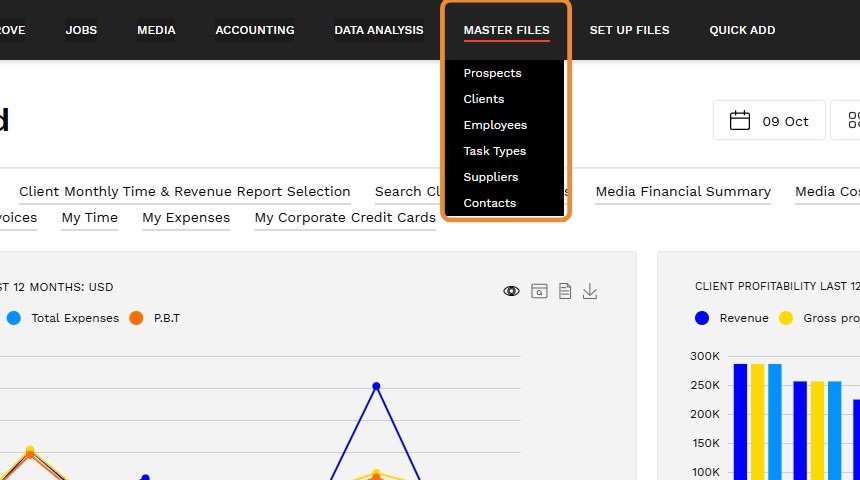
9. MASTER FILES
Create and View:
- Prospects
- Clients
- Employees
- Task Types
- Suppliers
- Contacts
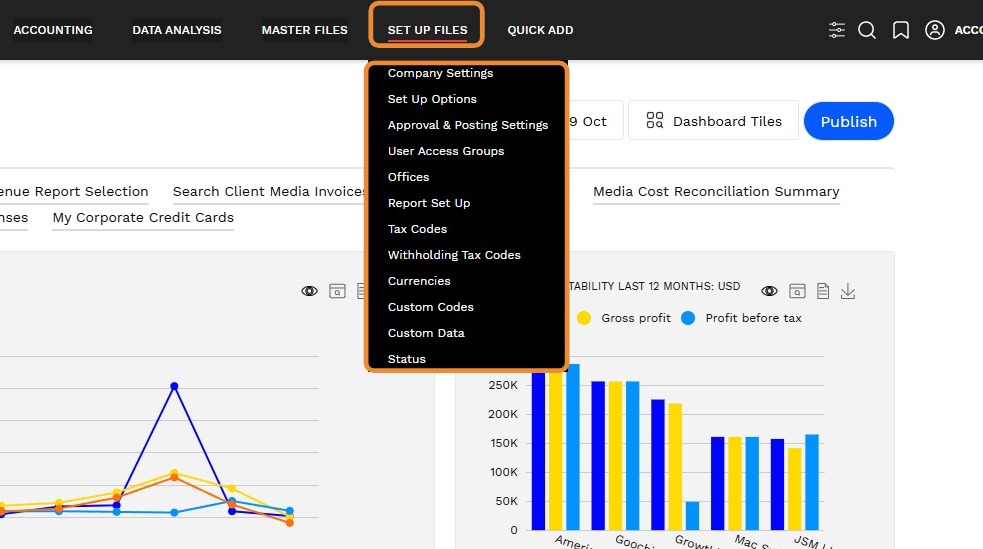
10. SET UP FILES
Create, Change, and view:
- Set Up Options
- Approval Setting
- User Access Groups
- Offices
- Report Set Up
- Tax Codes
- Withholding Tax Codes
- Currencies
- Custom Codes
- Custom Data
- Status
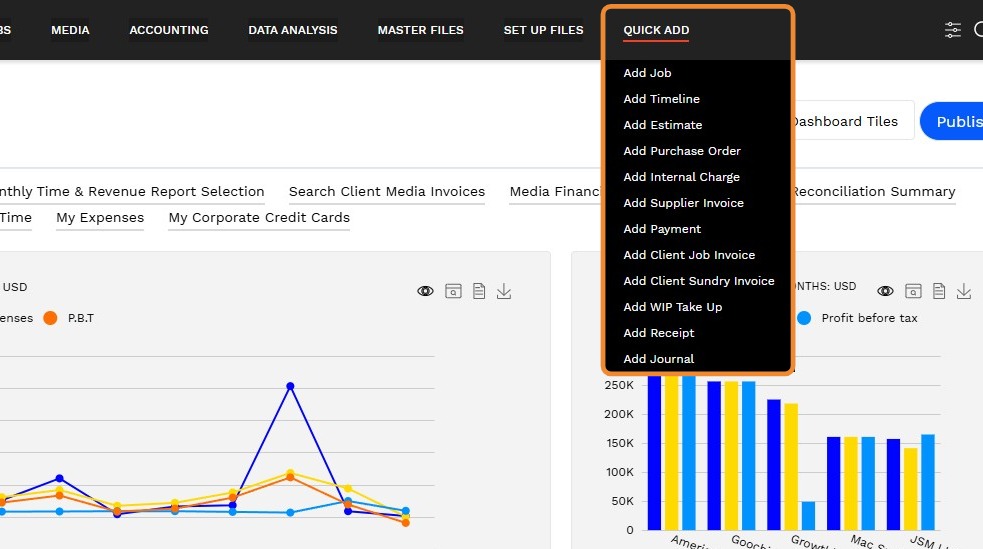
11. QUICK ADD:
Quickly Add:
- Add Job
- Add Timeline
- Add Estimate
- Add Purchase Order
- Add Internal Charge
- Add Supplier Invoice
- Add Payment
- Add Client Job Invoice
- Add Client Sundry Invoice
- Add WIP Take Up
- Add Receipt
- Add Journal
12. Security Access
Module and transaction access is based on the User Access Group. Data access is based on restrictions defined for employee records. Data access can be limited to a list of offices or clients and if users are a manager to a list of employees.
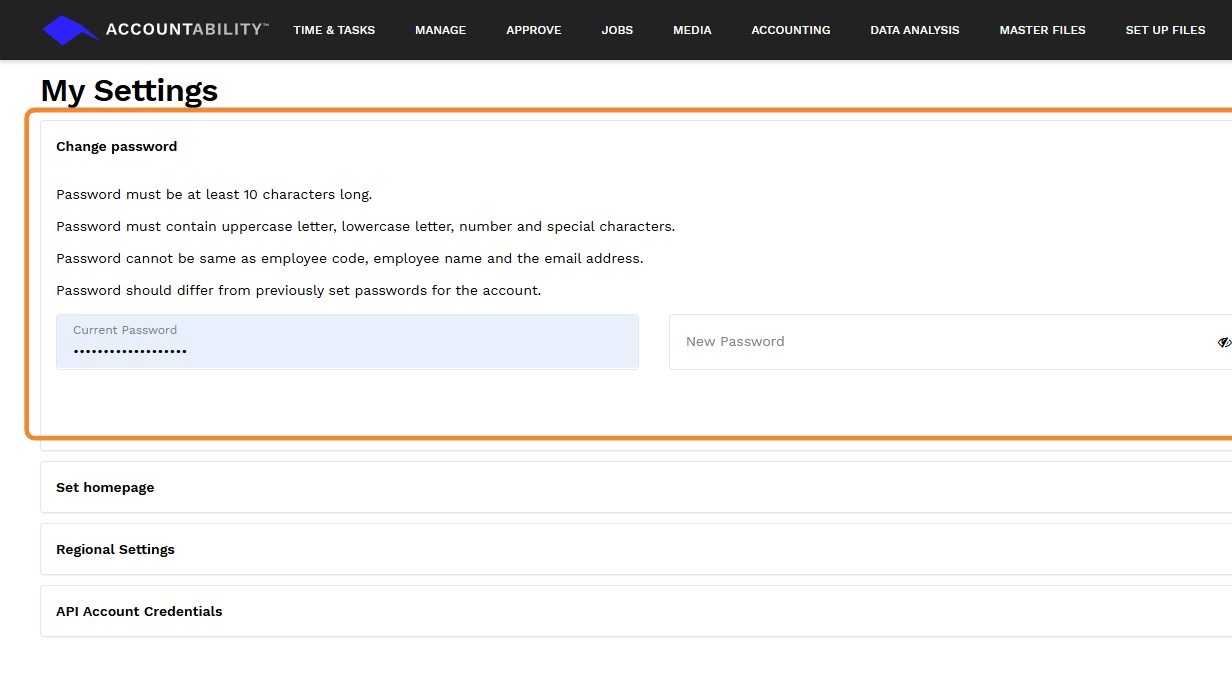
You can reset your password by clicking on Forgot your password? from the login page or by going to My Settings.
13. In My Settings page, expand Change password, encode the necessary details, and click Save.